
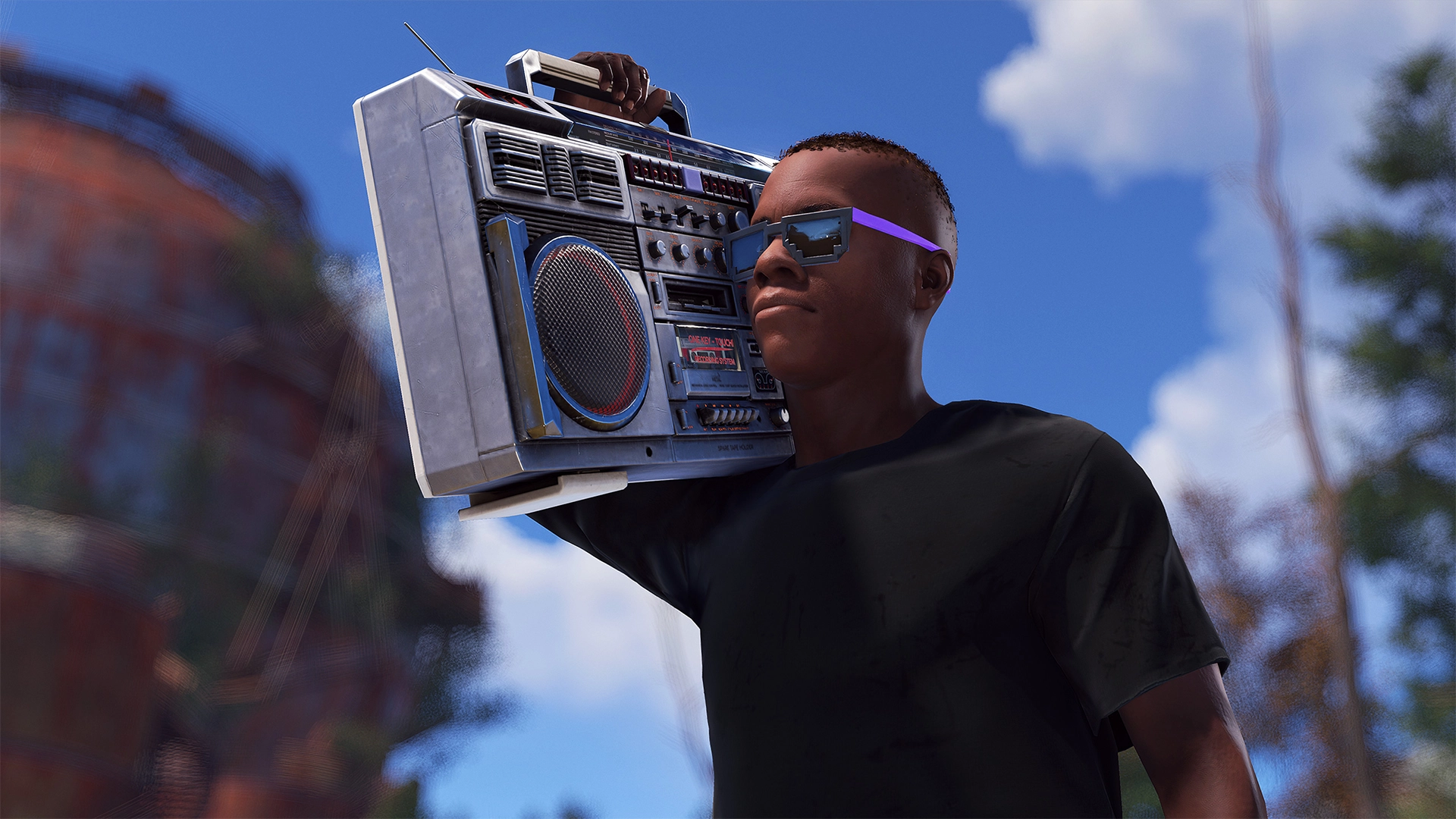

Due to some security reasons, players cannot add radio stations to the boombox. Only server owners are able to add stations on their server. This wiki page will briefly go through the command you need for adding custom radio stations, as well as other details.
Default Stations List
Stations are pulled from the manifest. You can not remove the default stations. Below is a list of some that were included when this was implemented. This list has changed, and some links could be bad. Check the manifest for an up to date version.
- Rust Radio rustradio.facepunch.com
- Chippy Radio chippyradio.facepunch.com
- Sonis Beats sonisradio.facepunch.com
- Triple J http://live-radio01.mediahubaustralia.com/2TJW/mp3/
- BBC Radio One http://stream.live.vc.bbcmedia.co.uk/bbc_radio_one
- BBC Radio Two http://stream.live.vc.bbcmedia.co.uk/bbc_radio_two
- BBC Radio Three http://stream.live.vc.bbcmedia.co.uk/bbc_radio_three
- BBC Radio Four http://stream.live.vc.bbcmedia.co.uk/bbc_radio_fourfm
- BBC Radio 1xtra http://stream.live.vc.bbcmedia.co.uk/bbc_1xtra
- NPR https://npr-ice.streamguys1.com/live.mp3
- 98.7 The Shark http://17643.live.streamtheworld.com/WPBBFM.mp3
- Magic Oldies Florida http://uk4.internet-radio.com:8004/
- Smooth Jazz Florida http://us4.internet-radio.com:8266/
- Salsa Radio http://radio.domiplay.net:2002/;
- Radio Central http://philae.shoutca.st:8459/stream
- J Pop Project Radio - Global Edition http://bluford.torontocast.com:8085/stream
- Heart FM http://media-ice.musicradio.com/HeartLondonMP3
- Heart 80s https://media-ice.musicradio.com/Heart80sMP3
- Heart 90s https://media-ice.musicradio.com/Heart90sMP3
- Heart Dance https://icecast.thisisdax.com/HeartDanceMP3
- KEXP http://live-mp3-128.kexp.org/
- Kool London http://uk1-pn.webcast-server.net:8698/
- Sensimedia http://equinox.shoutca.st:9878
- WEFUNK http://s-00.wefunkradio.com:81/wefunk64.mp3
- Metal Rock http://listen.djcmedia.com/metalrockradiohigh
- Smooth Country https://media-ice.musicradio.com/SmoothCountryMP3
- Real Punk Radio http://s2.nexuscast.com:8080/stream
Adding Stations
As a server owner, you can add your own stations using a server variable:
BoomBox.ServerUrlList “<In-game Station Name>,<URL>” So for example: BoomBox.ServerUrlList “Test Station,www.teststation.com”
Keep in mind that URL must be a direct link to the audio stream. .M3U, .MP3 or any other format. (sometimes it's not seen in the link if their website was set up this way) If your browser automatically opens up the built-in audio players then this might be the correct link. Also note the final string can only be so big. You can not add a bunch of stations especially if the URLs are long.
DMCA
We recommend content creators turn off this feature (set Internet Audio Streams to Off in the Options menu) in order to not trigger any copyright/DCMA strikes.
Security Concerns
It is not recommended to add station URLs that you don't trust: there is no general rule that indicates which station might be problematic, but always be careful with suggestions to add player-hosted stations. Rust establishes a direct connection with the station URL and there is nothing between the client (you) and station server - this opens up a few exploit possibilities, including being able to gather IP addresses of players who get into the range of a working boombox. This is not exactly harmful besides of getting IP exposed, but might get players concerned.
Keep in mind that this involves only stations that players host themselves - these might be a problem only when they have a full control over it and can have their own interests when hosting the radio URL. This does not anyhow affect whitelisted radio stations or probably many others that you might find in the internet.
Comments (0)