Rust+ Server
The Companion Server is what Rust+ uses to communicate with Rust servers. If something is wrong with it then nobody will be able to view your server in Rust+, even if they pair with it. [Read More...]


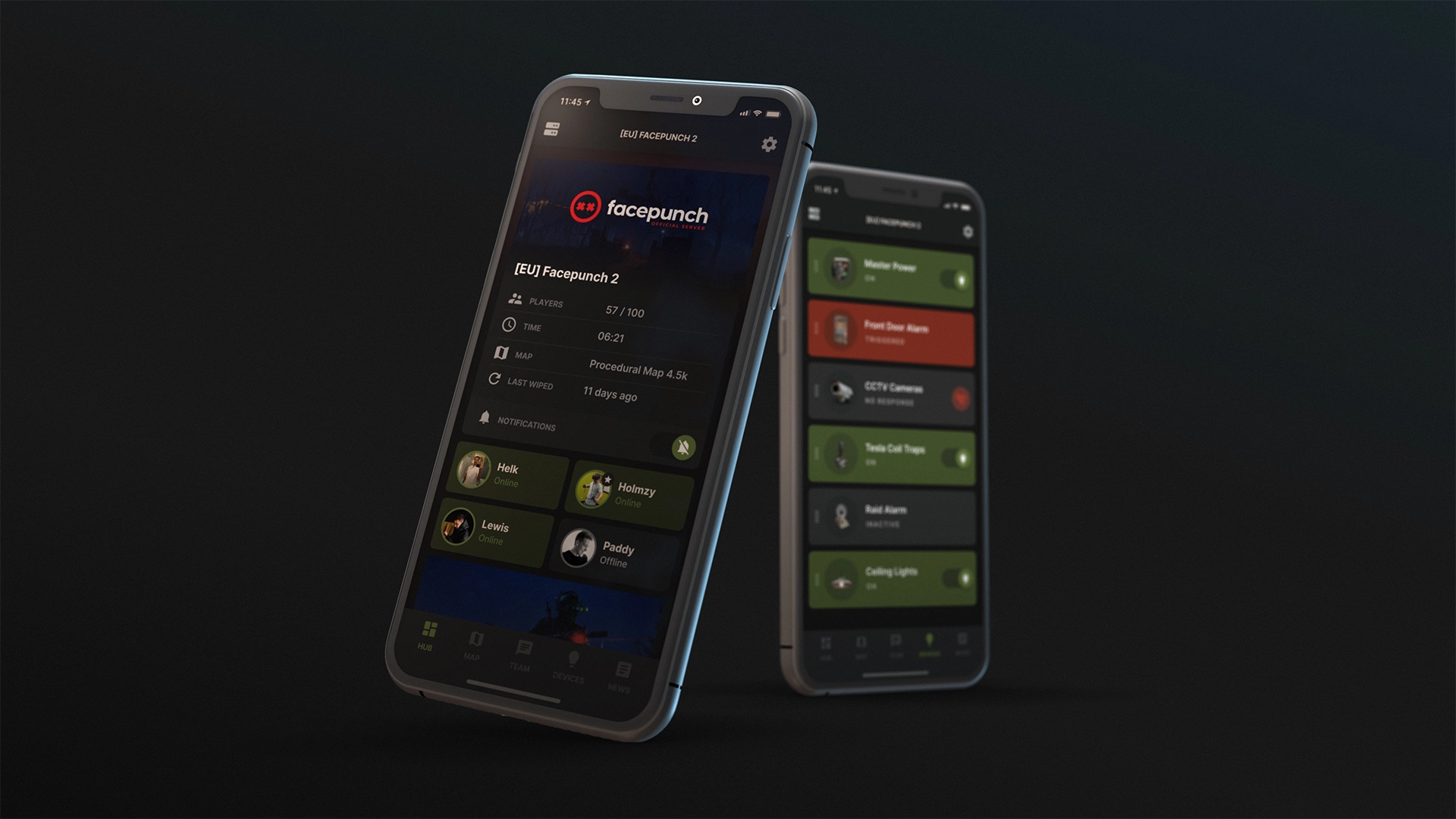
The Companion Server is what Rust+ uses to communicate with Rust servers. If something is wrong with it then nobody will be able to view your server in Rust+, even if they pair with it. [Read More...]
When a player makes a report using the F7 dialog that report will be sent to Facepunch, there are also tools to receive these reports for your own custom servers. [Read More...]
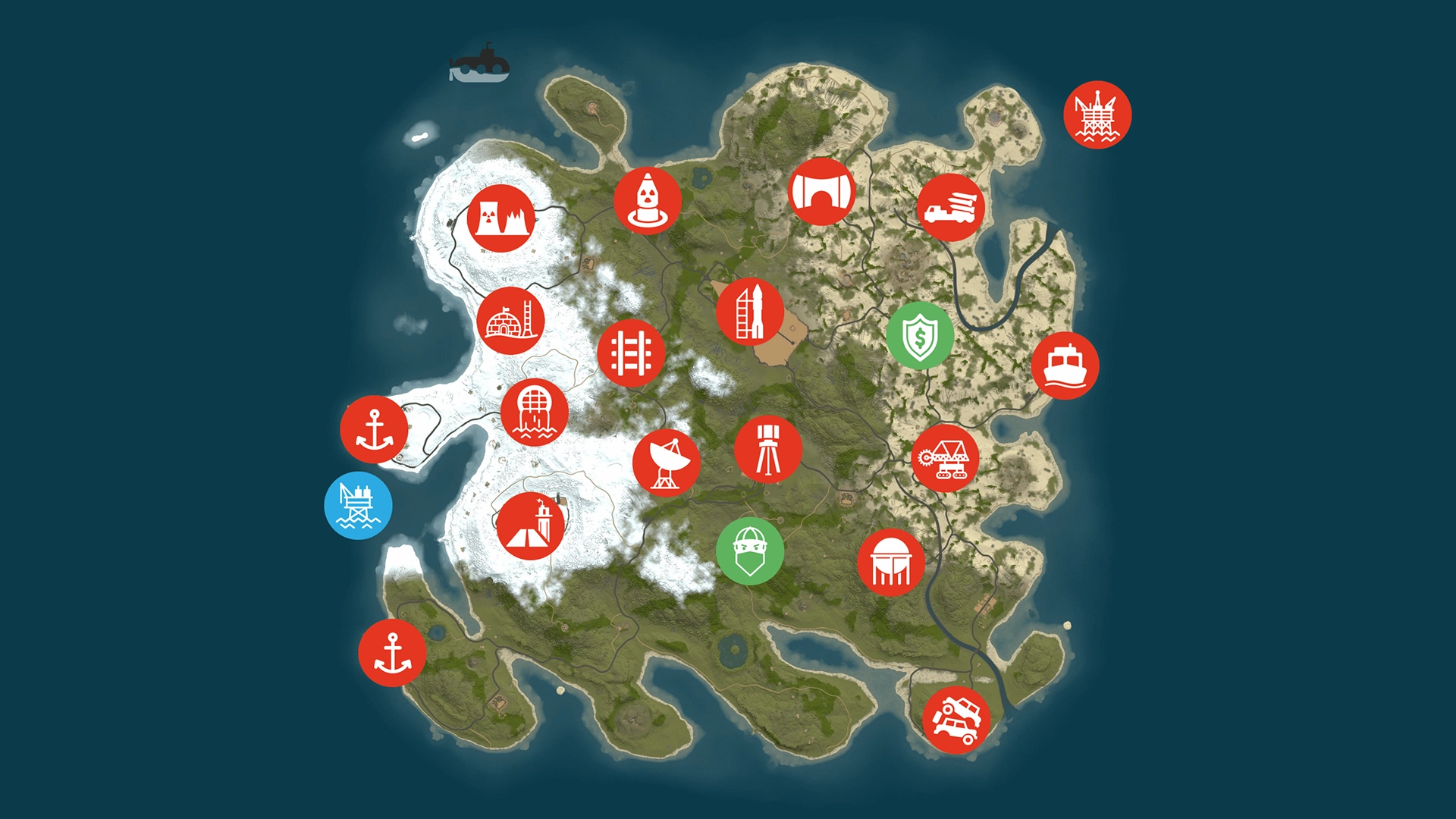
Create a new file in the server's server.identity folder and make your changes in JSON format. Launch the server with the configfile parameter: +world.configfile "myConfig.txt". [Read More...]
Most important server parameter you need for hosting a custom map is +server.levelurl [url]. Server reads the [url] argument and starts downloading the map. [Read More...]
When you start your server up with a server.identity these are the files stored in that folder. It allows you to run multiple servers from the same install. [Read More...]
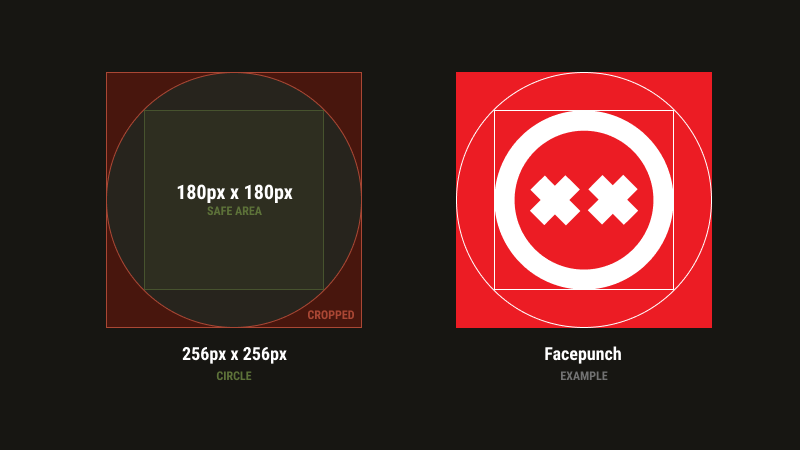
Many servers use their own icon. You can notice them when you use in-game server browser and look up server details. It also appears in your Rust+ app when you have paired your device with the server. [Read More...]
In this official Facepunch guide, you will learn how to create a server for the game Rust, as well as become familiar with the commands necessary for the proper operation of your server. [Read More...]

This guide will cover basic steps to set up a hidden whitelisted server aimed at advanced users with root access, it will not cover installation. [Read More...]