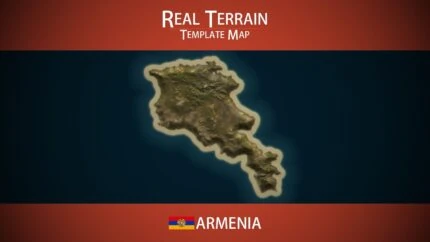
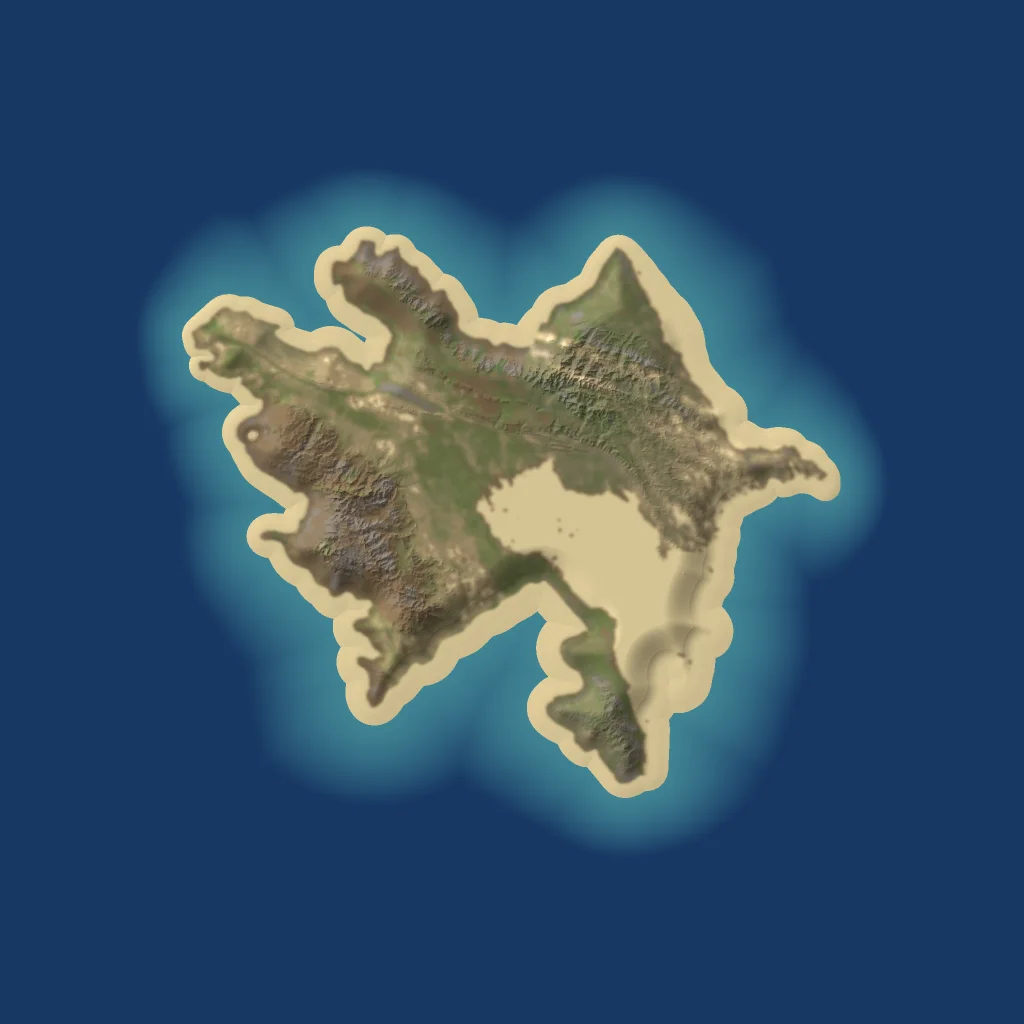
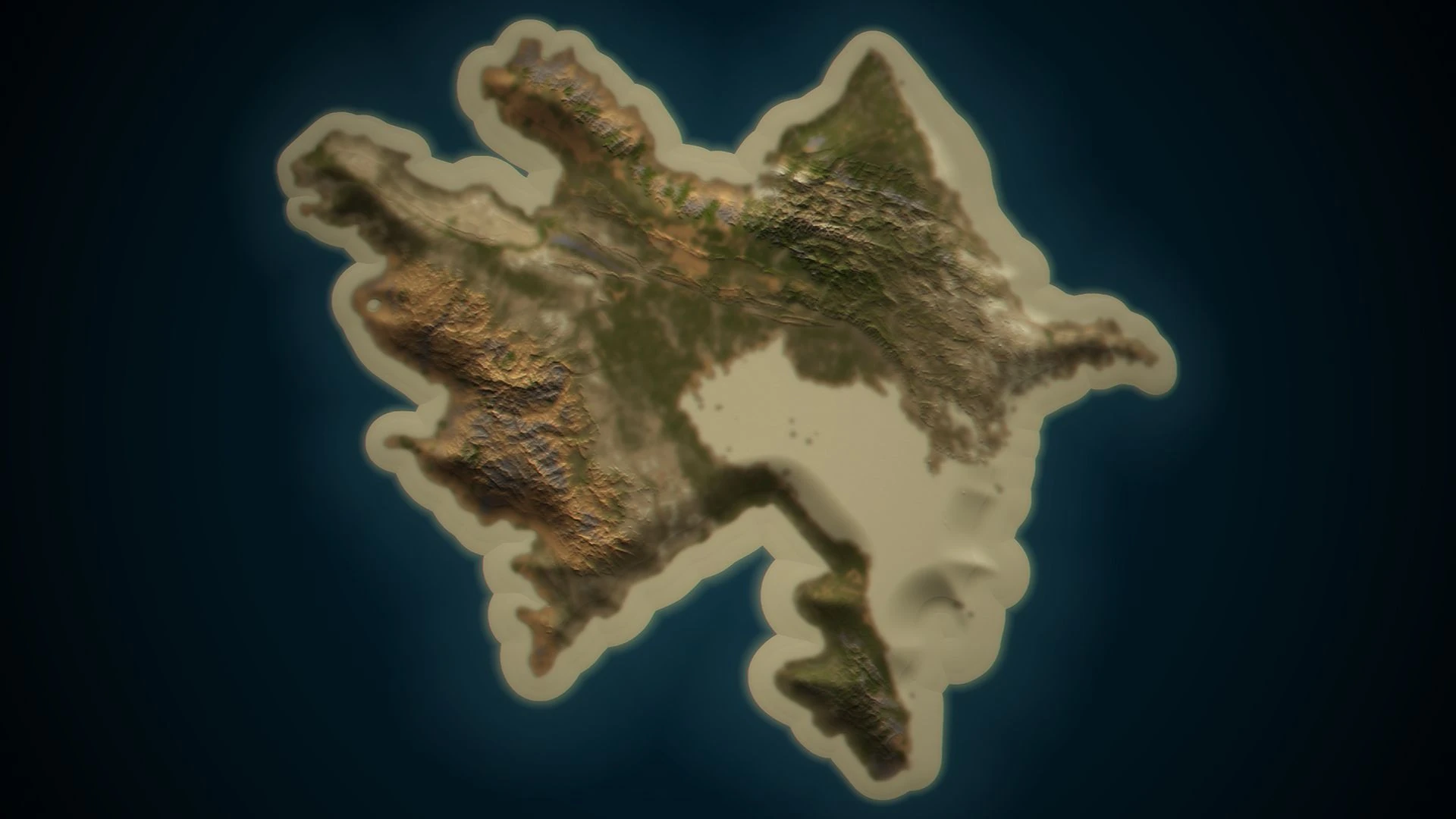
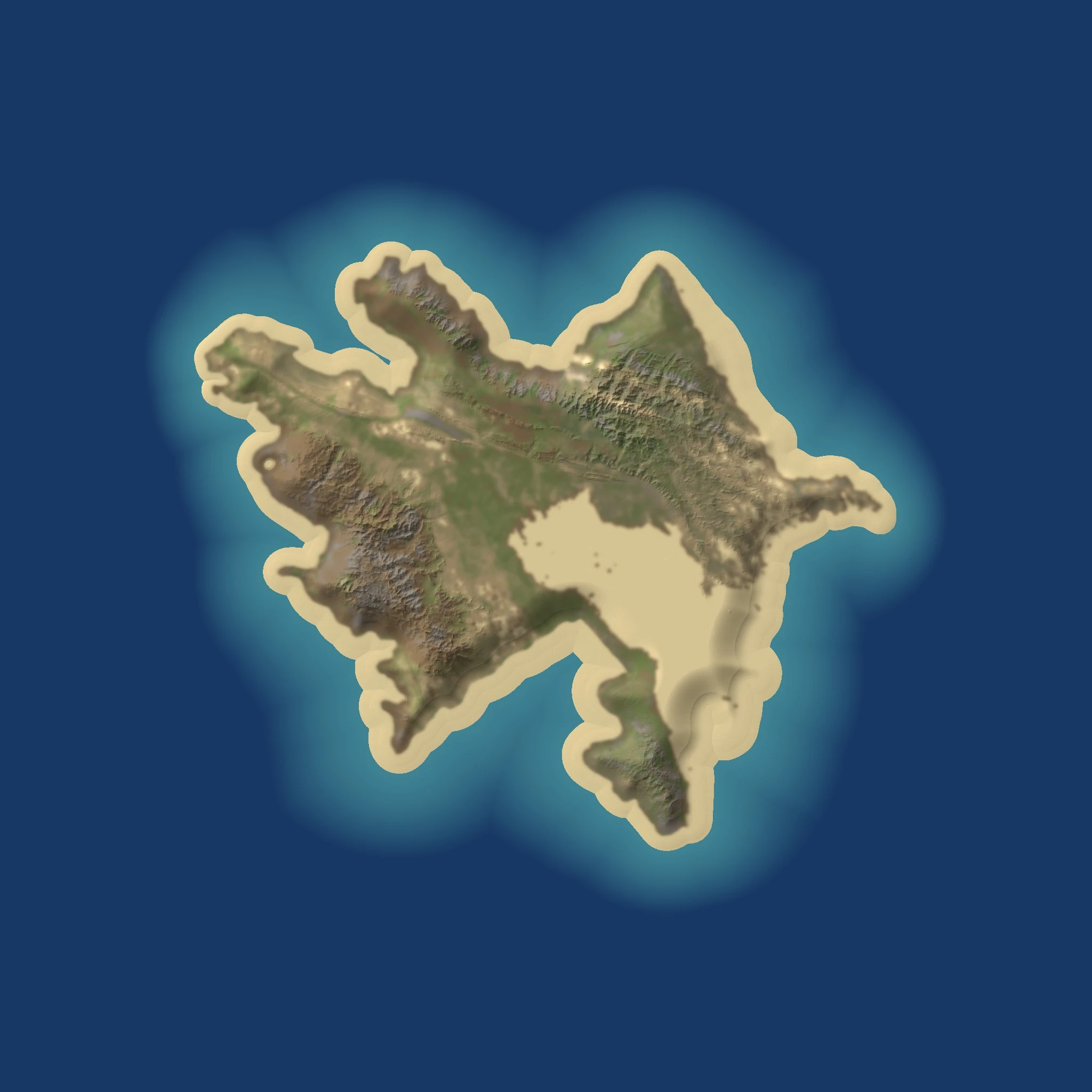
The Azerbaijan Template Map is a Rust map template built on the real terrain of Azerbaijan, a country whose landscape runs from Caucasus summits down to a shore that lies below ocean level. Open it in RustEdit and you start from genuine elevation, textures and biomes instead of random noise.
From Caucasus ridges to the Caspian shore
The Greater Caucasus forms the northern edge of the country, and the Lesser Caucasus rises in the west. Between them lies the wide Kura-Aras lowland, a flat basin named after the two rivers that cross it. To the east, the Absheron Peninsula pushes out into the Caspian, the largest inland body of water on Earth. The template carries the shape of that land, not its water: the map data lists no rivers, so you decide where to cut them.
Playing it in Rust
That contrast between peaks and plain is what makes this template worth building on. With 95.5% buildable land, most of the map can take a base, yet the mountain fringe still gives you natural high ground.
- Northern and western heights for monuments that reward a climb, or for hidden bases.
- A central lowland where farming groups and large compounds can spread out.
- A coastal east that, following the real geography, is the natural home for harbours and boat traffic.
- Corridors between the ranges where roads and a railway can run.
What you get
- The real elevation of Azerbaijan on a 6,000 m map.
- Splat and biome maps drawn from the real landscape.
- A clean canvas: zero monuments, rivers, railways and caves.
No topology map is included. That is deliberate: edit the terrain to your taste, then let RustEdit generate the topology, which follows the splat map underneath, so your changes do not cause errors.
Installation
- Unzip the download you receive after checkout.
- Load the .map file in RustEdit.
- Place your monuments and roads, cut rivers, add prefabs and generate the topology.
- Save, upload the map to a public URL and point +server.levelurl at it; a map change needs a map wipe.
Delivery is instant and every update lands in your account. If the Azerbaijan terrain raises any question, the contact page takes you to our support tickets.

 Oxide vs Carbon: Which Modding Framework for Your Rust Server?ReadOxide vs Carbon: Which Modding Framework for Your Rust Server?Guide · Nov 7, 2026