How to Set Up a Rust PvE Server (2026): Settings, NPCs and Events

A PvE server is Rust without the fear of losing everything to the group next door: players fight NPCs, monuments and the weather instead of each other. It is one of the most searched-for kinds of server, and one of the easiest to set up badly, because the switch that turns PvP off does less, and something different, from what most people assume.
Rust’s own PvE switch is
server.pve true, and it does more than its description says. In the current game code it sends damage from any attacker the game counts as a player back to that attacker – and the game counts scientists and scarecrows as players. Simple servers can use it as it is; servers that want NPCs with teeth usually leave it off and use a damage-rules plugin instead. Either way, what keeps PvE players around is things to fight, events and a map with room to build.
This guide is for server owners setting up PvE for the first time, or moving a PvP server over. It covers what the setting really does, read from the game’s own code, how to turn it on, and how to give PvE players enough to do that they stay past the first wipe.
What server.pve actually does
Rust describes the setting as “Enables PvE mode – players cannot damage other players; they can still be killed by NPCs and the environment”. The server code is more specific. In the build current in October 2026, server.pve is checked in exactly four places:
- Against players. When an attacker the game counts as a player hurts a real player, the target takes nothing and the attacker takes the damage instead. In Rust’s code the human NPCs – scientists, scarecrows – are players too, so read literally this also turns their damage back on them. Animals, the Bradley APC and the attack helicopter are not players in the code and still hurt as usual, and players can still hurt every NPC.
- Against buildings. When a player-type attacker damages a building block – walls, floors, foundations, the pieces a base is made of – the attacker takes the damage instead.
- Demolishing. Normally a building block can only be demolished shortly after it is placed. With PvE on, a player with building privilege can demolish their own blocks at any time.
- The server browser. The server is listed with the pve tag, so players looking for PvE can find it.
Two things catch owners out. The setting’s own help text says players can still be killed by NPCs, but the code sends a scientist’s damage back to the scientist, so test it on your server before you promise players dangerous monuments. And the building rule covers building blocks only: doors, boxes and other deployables are separate entities this setting does not mention.
Two ways to run PvE
The built-in switch. Quick, no plugins, and enough for a relaxed building server where the world itself is the only danger. A damage-rules plugin, with server.pve left off. More work, but you decide exactly what can hurt what: players never hurt each other or each other’s bases, while scientists, scarecrows and event NPCs keep fighting back. Most PvE servers built around monuments and NPCs go this way.
For the built-in switch, add one line to server.cfg in your server identity folder:
server.pve trueOr, if your host only gives you the startup line, add +server.pve true there. Restart the server, then type server.pve in the console: it should answer True. While you are in the config, set the two lines players read in the browser, server.description and server.tags, so the server says clearly what it is.
Say PvE in the server name as well as in the tags. Players scroll the browser by name first, and the tag only helps the ones who filter by it.
Decay and upkeep on a PvE server
On PvP servers decay clears abandoned bases so the map does not fill up. On PvE nobody raids those bases either, so decay matters more, not less. Two settings, both in the game:
decay.scalemultiplies all decay damage: 1 is normal, 2 is double, 0 switches decay off.decay.upkeepturns upkeep, the resources a tool cupboard consumes to keep a base standing, on or off.
Switching decay off sounds friendly, but after a few weeks the map is covered in bases nobody visits and new players have nowhere to build. Most PvE servers keep decay on and wipe on the monthly forced wipe like everyone else.
NPCs are the opponent now
Without other players to fear, the challenge has to come from the world. That means NPCs at monuments that put up a fight, and monuments worth the trip.
Facepunch’s October 2026 update matters here: with the new navmesh, NPCs can now walk into player buildings and use doors. On a PvE server that turns a base from a safe room into a place that has to be defended, which is exactly the kind of tension PvE usually lacks. Read the guide to the Livestock Update for the details.
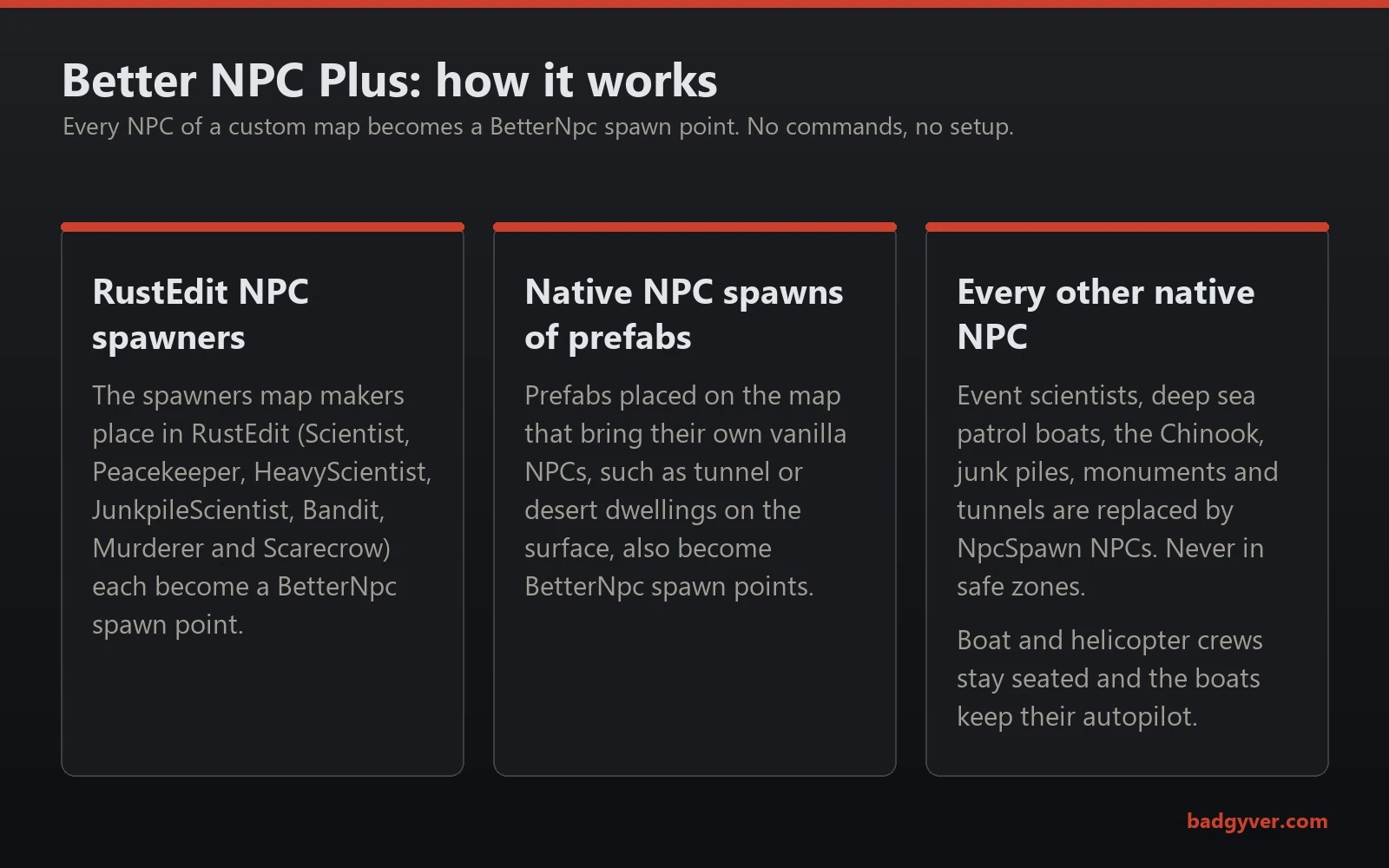
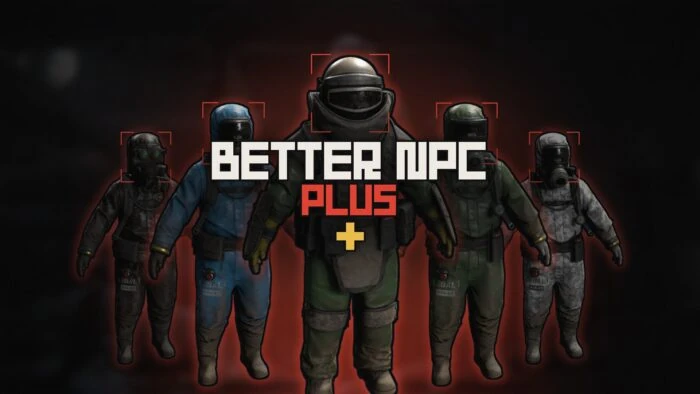
If you run a custom map, the NPCs its maker placed are the obvious place to start. My free plugin Better NPC Plus turns every NPC of a custom map into BetterNpc spawn points automatically: the spawners placed in the editor, the vanilla NPCs that prefabs bring with them, and the game’s other native NPCs, with no commands or setup.
Three kinds of NPC on a custom map, one place to configure them all. Better NPC Plus.
Give players something to do every week
PvE players leave when they run out of goals, not when they lose a fight. Plan something recurring:
- Boss and arena nights. A scheduled fight against something big gives the whole server a reason to log in at the same time.
- Seasonal events. Halloween, Christmas and the rest are when players come back to check what is new.
- Places to gather. A town with a reason to visit turns a list of strangers into a community.
For the first, the Bradley Arena pits a group of players against three Bradley APCs inside a dome they unlock with red keycards, then closes the hatch on whoever is too slow to leave. For the second, my Halloween plugin runs a whole horror event by itself. For the third, Npc Bands puts NPC musicians on a stage, really playing Rust’s instruments note by note.
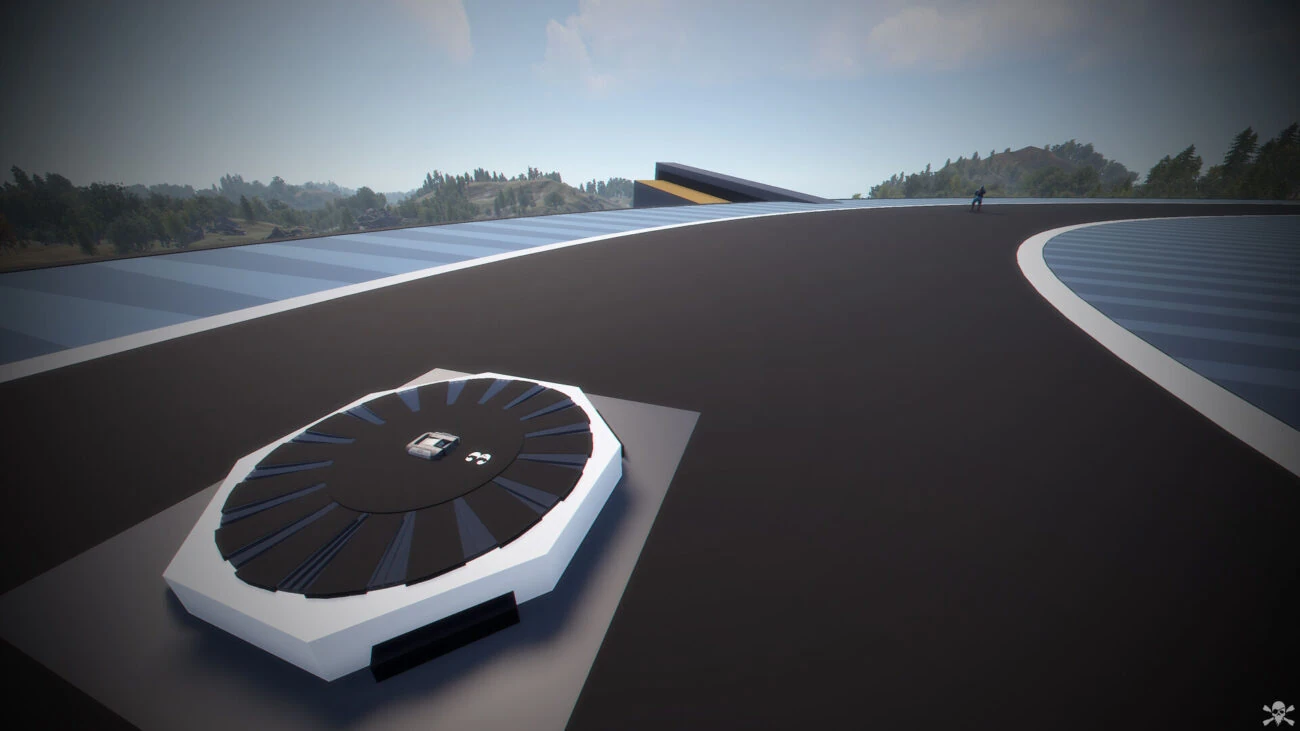
The hatch players come out of, and the one they have to leave through in time. Bradley Arena.

A reason to meet in town that has nothing to do with fighting. NPC Bands.
Choosing a map for PvE
A good PvE map has plenty of places to build, monuments worth exploring and enough variety that players want to travel. Three numbers on every map page in this store help: buildable land, the number of monuments and how many of them are custom.
- Room to build. PvE players build big and stay. Maps like CHRONUS, with 44.4% of its land buildable and build spots in the sky, at sea and on land, or the RATS 2 maps at over 71%, suit that.
- Things to explore. Custom monuments are what a procedural map cannot give you, and on PvE they are the main content.
- Size for your population. A map that is too big feels empty. Rust map size explained has the numbers.
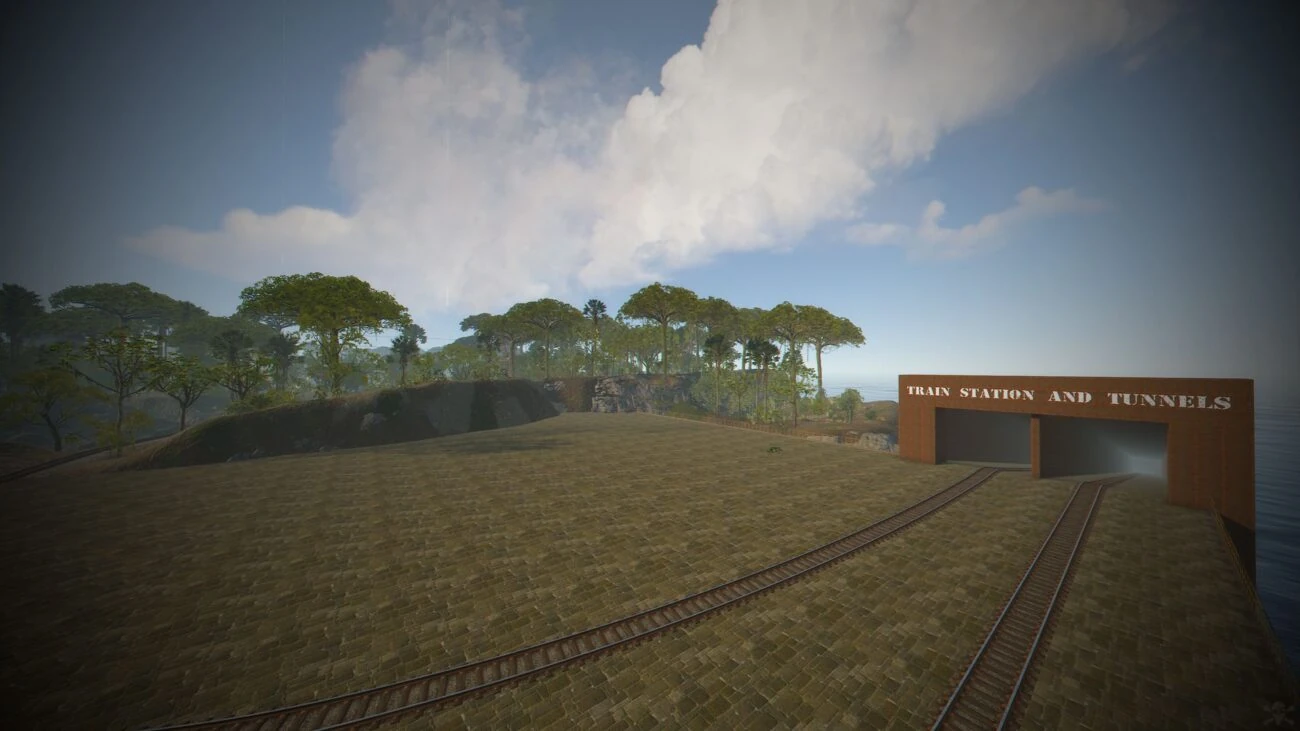
A jungle world with its own train network and room to build. CHRONUS.
The checklist
- A decision:
server.pve true, or a damage-rules plugin with it off, tested with an NPC before the wipe. - PvE in the server name,
server.descriptionandserver.tags. - A decision on
decay.scaleanddecay.upkeep. - NPCs at monuments that put up a fight.
- One recurring event planned before the first wipe.
- A map with room to build and things to explore.
Where Badgyver comes in
Most of what I make is built for exactly this kind of server: custom Rust maps full of monuments to explore, arenas for event nights, and Rust plugins that give NPCs and events a life of their own without admin work. Better NPC Plus is free, so the first step costs nothing. Questions go straight to me on Discord.
Related Posts

Rust Halloween 2026 Update: What’s New and How to Run a Halloween Server

Rust November 2026 Update Preview: What the Next Wipe Brings

Rust Livestock Update (October 2026): What Server Owners Need to Know

How to Update Your Rust Map to a New Version Without Losing Player Progress

How to Install a Custom Map on Your Rust Server

Rust Map Size Explained: What 3000, 4500 and 6000 Actually Mean

Procedural or Custom: Which Map Your Rust Server Actually Needs

What Makes a Good Rust Monument

Running a Rust Event Server: Arenas, Rules and the Map
From the store
Maps, monuments, prefabs and plugins for the servers this guide is about.
 Better NPC PlusFreeNewBetter NPC PlusPlugin
 Bradley Arena$12.90Bradley ArenaArena
 Halloween$14.90HalloweenPlugin
 Npc Bands$25.00Npc BandsPlugin