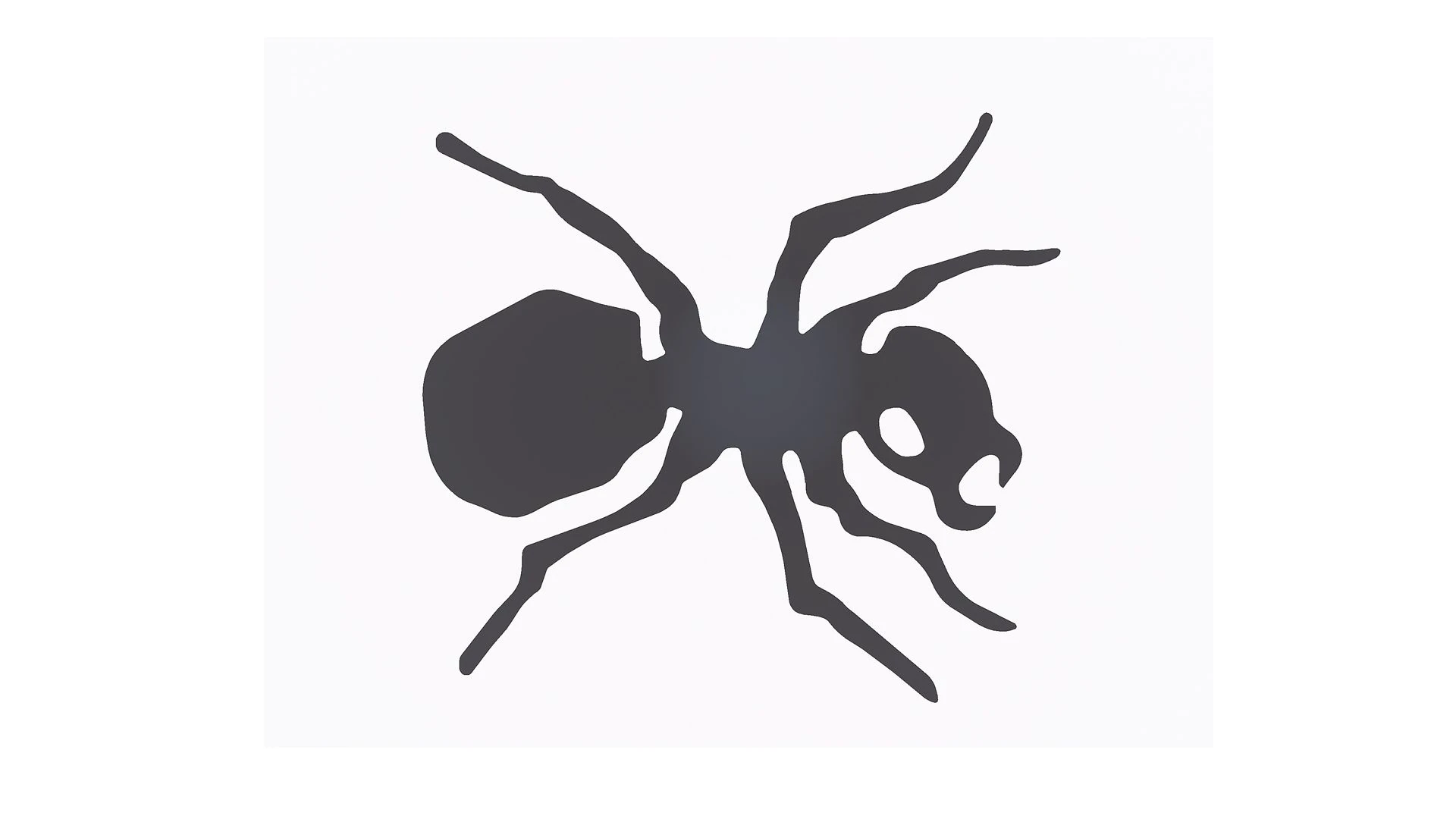
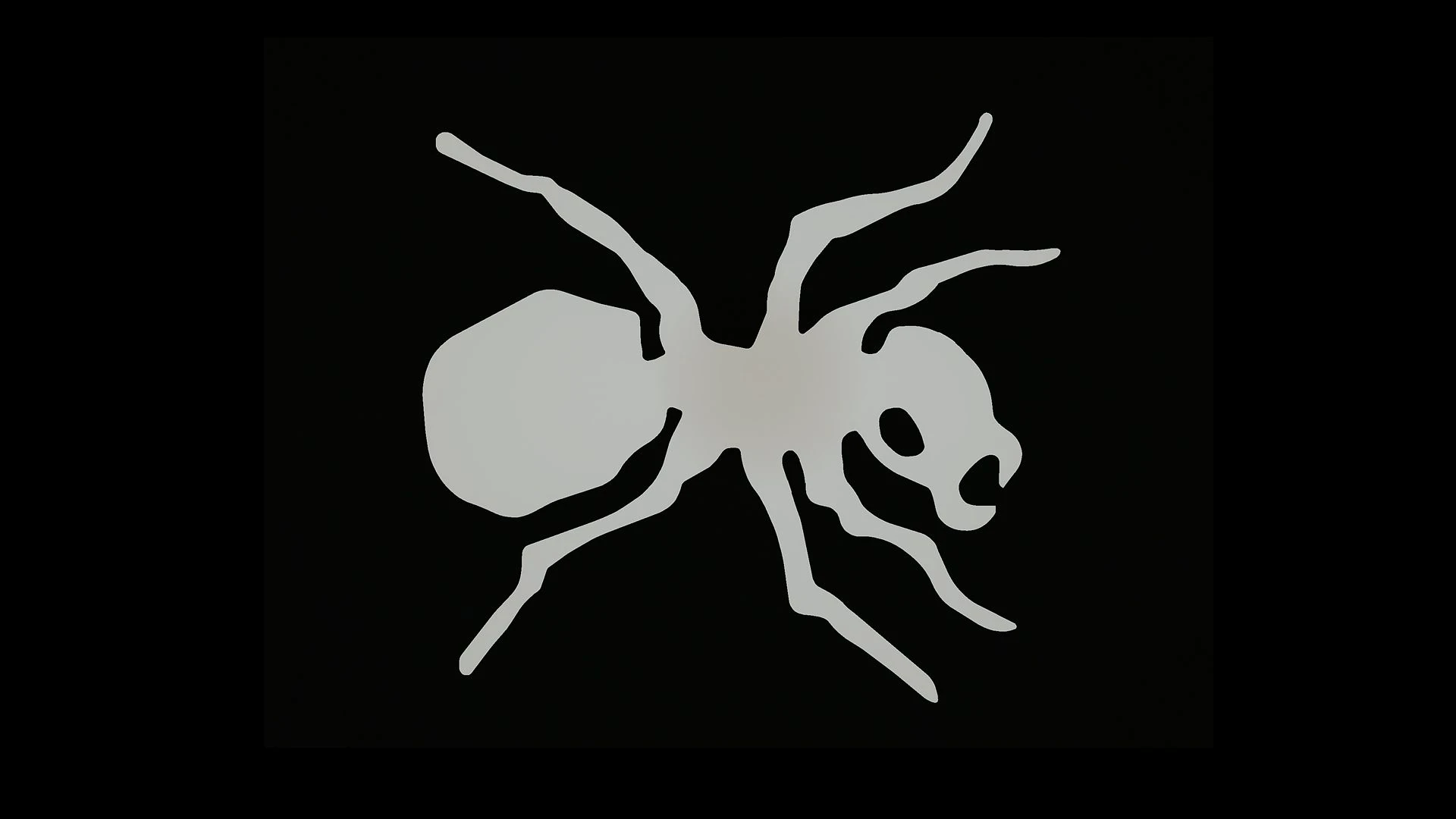
Ant Logo is a custom Rust prefab that reproduces the ant, the symbol of the British electronic music group The Prodigy. It has been built with care to match the original logo, so fans on your server will spot it instantly, and anyone who has never heard the band will still wonder what a giant insect is doing in the middle of the island.
A tribute on a massive scale
The emblem has a placement span of 886.4 × 0.0 × 813.8 m. In other words, it is completely flat and covers an area of more than 800 by 800 metres, so the whole shape is best appreciated from the air. Up close, players walk across a piece of it; from a height, the ant appears in full.
The design uses 1,252 prefabs of a single prefab type. It has no terrain layers, which means it places objects only and leaves your heights, ground textures and topology exactly as they are.
Who it is for
- Server owners who are fans of The Prodigy and want everyone to know it.
- Music-themed servers and communities looking for a landmark players will talk about.
- Admins who want to tell their players, without a single word, what the true legendary music of all time is.
Installation
- Decompress the download.
- Copy its prefab files to the CustomPrefabs folder used by RustEdit.
- In RustEdit, open your map and place the ant from the Prefab List, choosing an area wide enough to hold it.
- Save the map and put it on your server.
Your purchase can be downloaded straight after checkout, and future updates are listed in your account. For support, go to the contact page. Browse more landmarks and tributes in the prefabs category.
 Rust Workbenches and Blueprints Explained (2026)ReadRust Workbenches and Blueprints Explained (2026)Guide · Nov 7, 2026