LootEdit v1.1.11
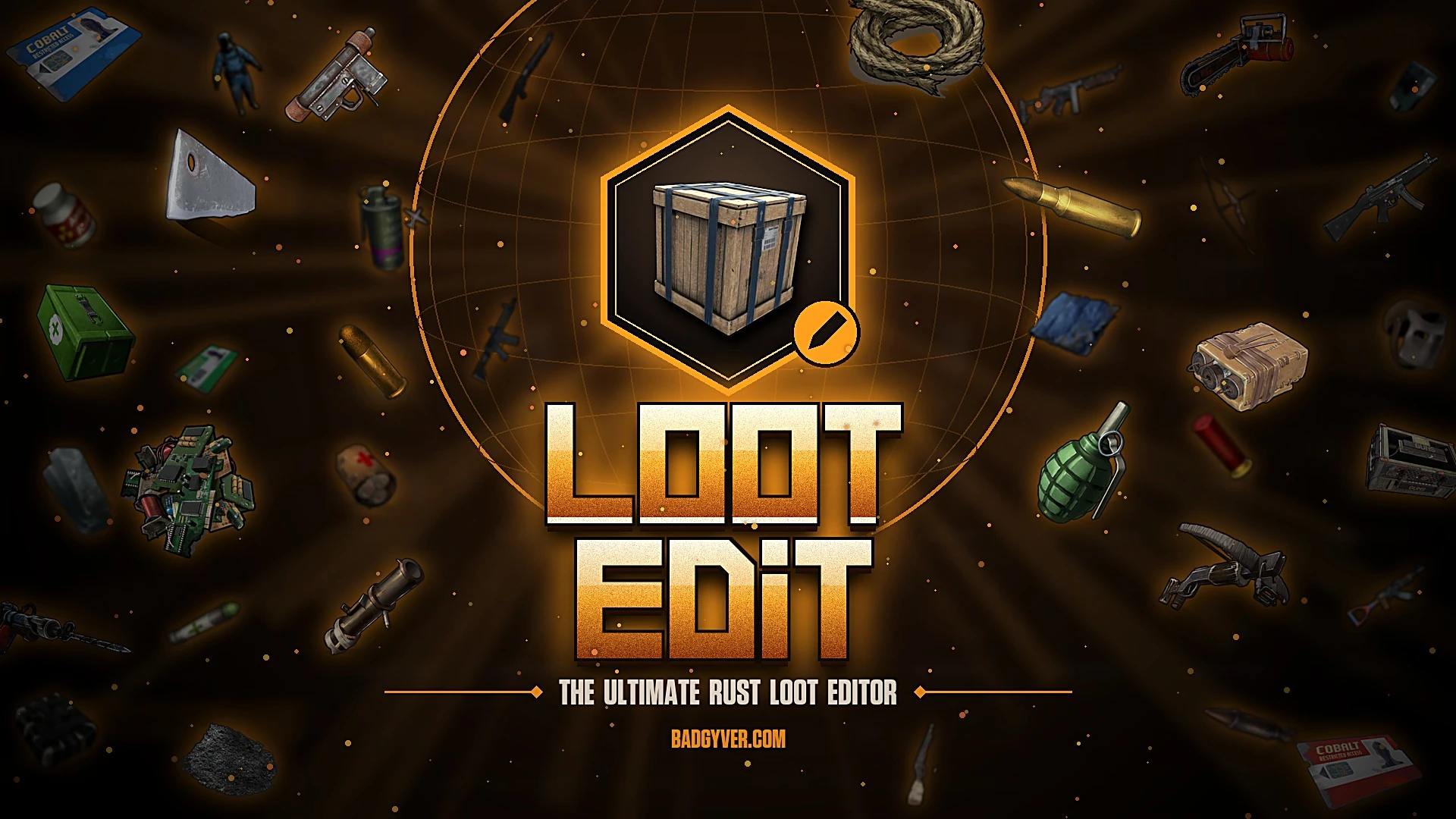
Edit the loot of every crate, barrel and NPC of your Rust server from a full-screen in-game menu: for the whole map, or only inside the areas you mark with a dome. Free, no dependencies.
About LootEdit
Decide, item by item, what every crate, barrel and NPC of your Rust server gives. From a full-screen menu inside the game, without touching a single file.
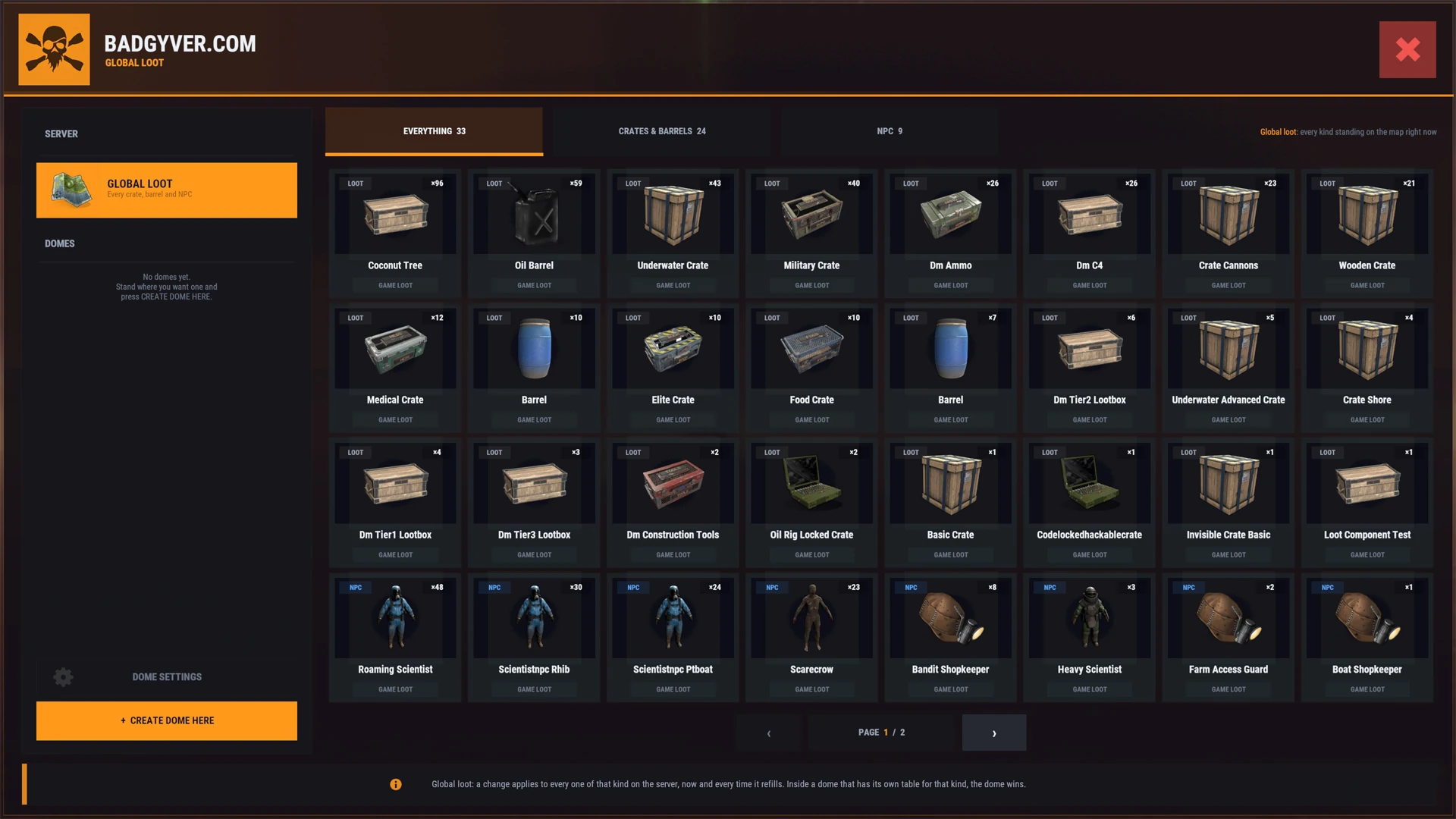
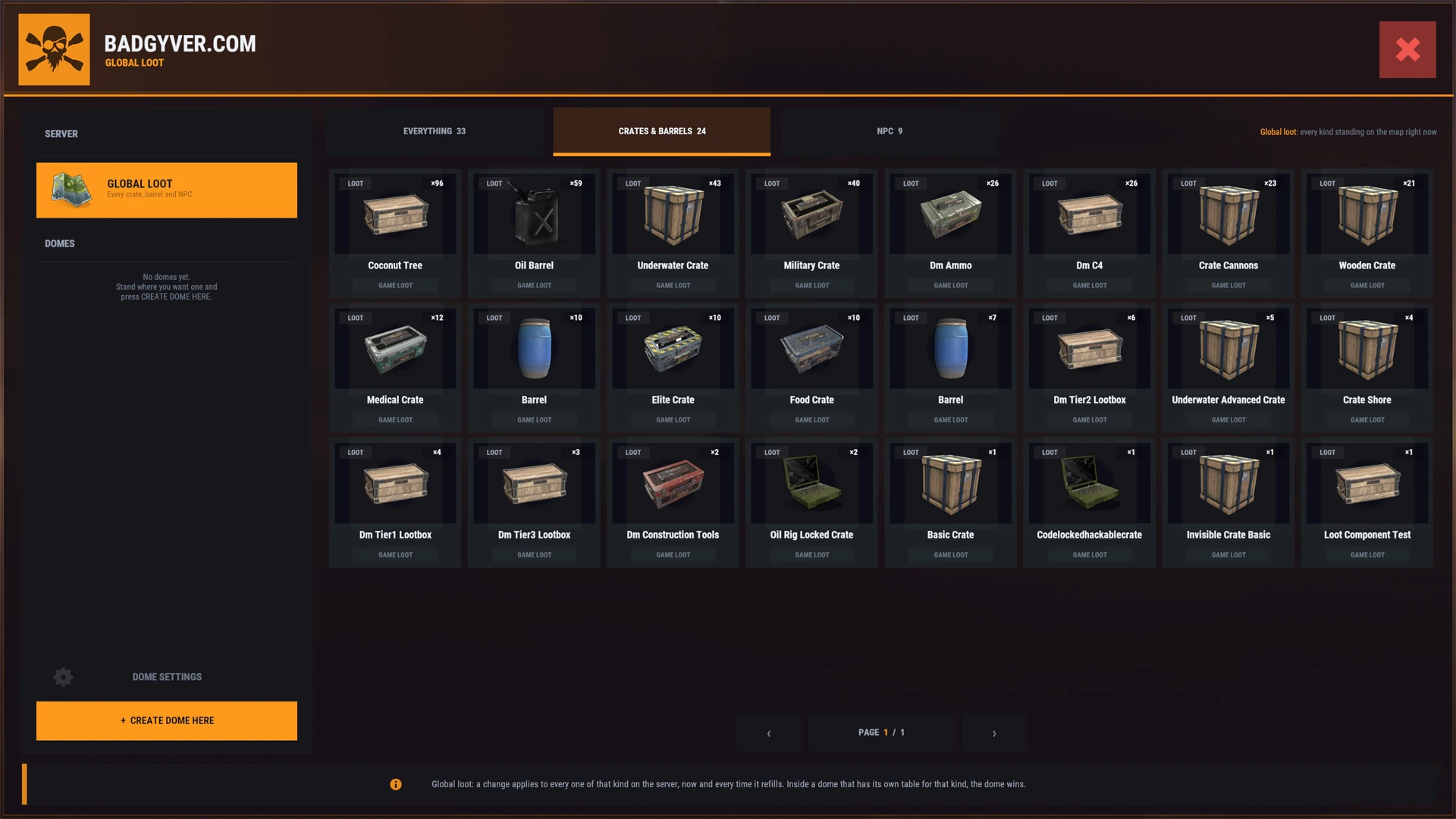
LootEdit shows every kind of crate, barrel and NPC standing on your map, with the game's own pictures. Open one and you see its loot table exactly as the game rolls it, with the real chance of every item. Change it, and every container of that kind gets your loot: right away, and every time the game refills it.
- Global loot. One loot table per kind of crate, barrel or NPC, for the whole map.
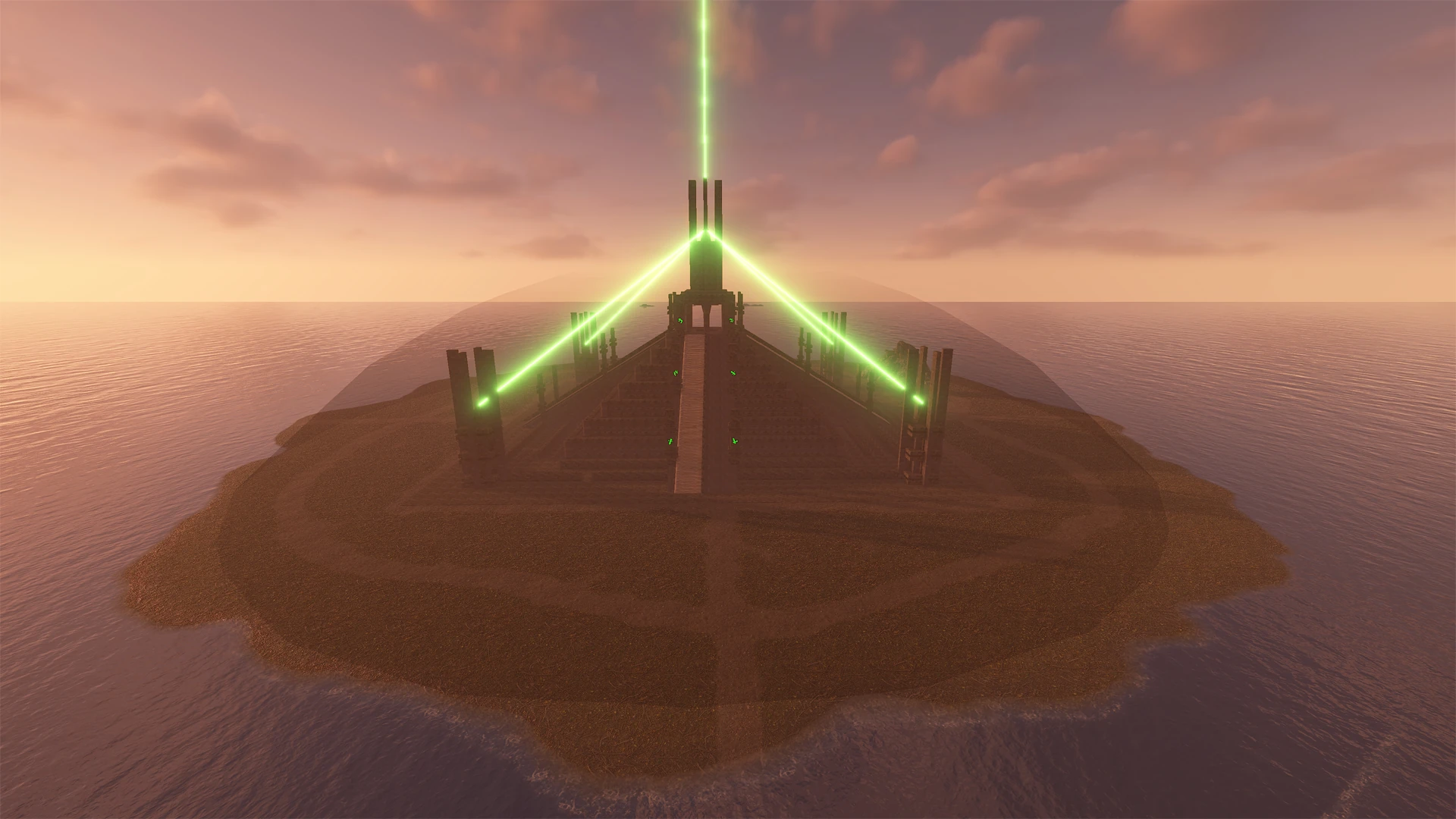
- Domes. Stand anywhere, type
/dome, and a sphere marks an area with its own loot. Make a monument richer, a PvP zone harder, an event arena unique. A dome inside another dome rules its own area. - Every entry under control. Minimum and maximum amount, chance in percent, skin ID and blueprint.
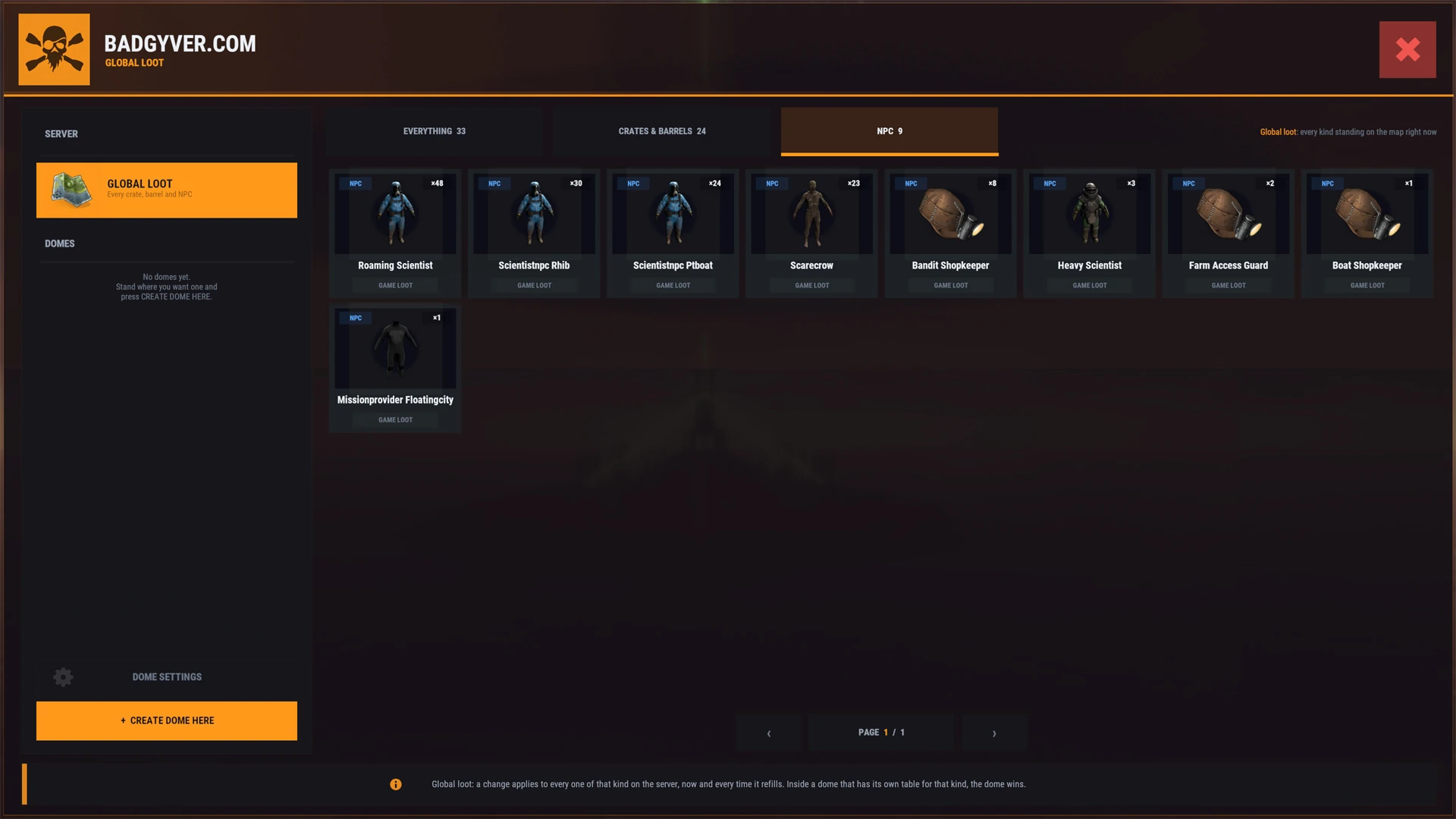
- NPCs, all of them. What they drop when they die, the clothing they wear, and their weapons and belt. The first belt slot is the weapon they hold.
- The game's item icons. An item picker with categories and search, laid out like the game's own inventory.
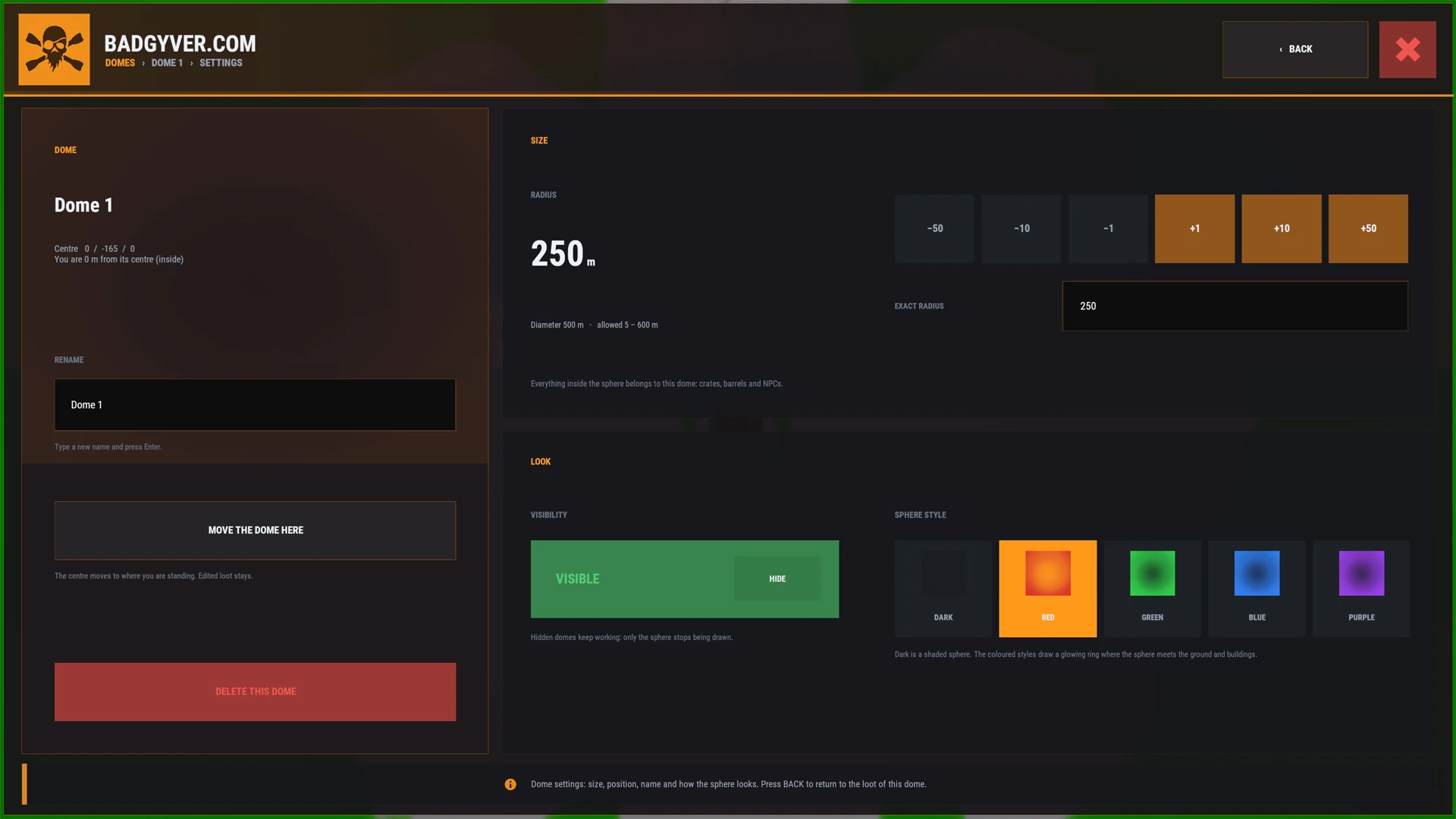
- Domes your way. From 5 to 600 m, visible or hidden, five sphere styles, rename, move or delete them from the menu.
- Clear priority. The smallest dome with its own table for that kind wins, then Global Loot, then the game's own loot.
The game keeps its own refill timers: LootEdit only steps in when the game fills a container, when an NPC spawns or dies, and when an admin uses the menu. No timers or checks running all the time.
Players, their inventories and their own storage are never touched. NPCs mounted on or attached to something, such as event or plugin NPCs, are left alone.
Commands and permission
/lootopens the menu: the dome you are standing in, or Global Loot anywhere else./dome [name]creates a dome where you stand, or opens its settings if you are already inside one./dome new [name]always creates a new one.lootedit.uselets a player use it. Server owners (auth level 2) can always use it.
Configuration
One file, created by the plugin itself: the commands, the default, minimum and maximum dome size, how dark the sphere is, the menu's accent colour and text size, the maximum container slots and the kinds of NPC to ignore. The loot you edit is saved in oxide/data/LootEdit/Domes.json.
Installation
- Copy
LootEdit.csintooxide/plugins/. - Type
/lootin the game. Owners can use it straight away; anybody else needslootedit.use.
LootEdit needs no other plugin. It is written for Oxide (uMod). The full guide, section by section, is in readme.txt inside the download.
-
v1.1.11 Latest Initial release.
Need help with LootEdit?
Support is personal and runs on our Discord server. Open a ticket and you talk directly with the creator of the product, in a private channel only you and our team can see.
- Open a ticketPress the button below and choose the support ticket on Discord.
- Tell us what happensThe product name and version (v1.1.11), your server type (Oxide or Carbon) and what you see, with a screenshot if you can.
- Get it fixedWe answer in your ticket and keep it open until everything works.
Updates are free: when a new version comes out, download it again from your account. Guides for installing and updating are in the Docs tab.
Guides
How to run, set up and play the servers this is made for.
 How to Wipe a Rust Server: Map, Blueprint and Full Wipes (2026)ReadHow to Wipe a Rust Server: Map, Blueprint and Full Wipes (2026)Guide · Nov 7, 2026
 Rust Map Size Explained: What 3000, 4500 and 6000 Actually MeanReadRust Map Size Explained: What 3000, 4500 and 6000 Actually MeanGuide · Sep 21, 2026
 How to Install Oxide and Plugins on a Rust Server (2026)ReadHow to Install Oxide and Plugins on a Rust Server (2026)Guide · Nov 7, 2026
 Running a Rust Event Server: Arenas, Rules and the MapReadRunning a Rust Event Server: Arenas, Rules and the MapGuide · Sep 15, 2026
Related products