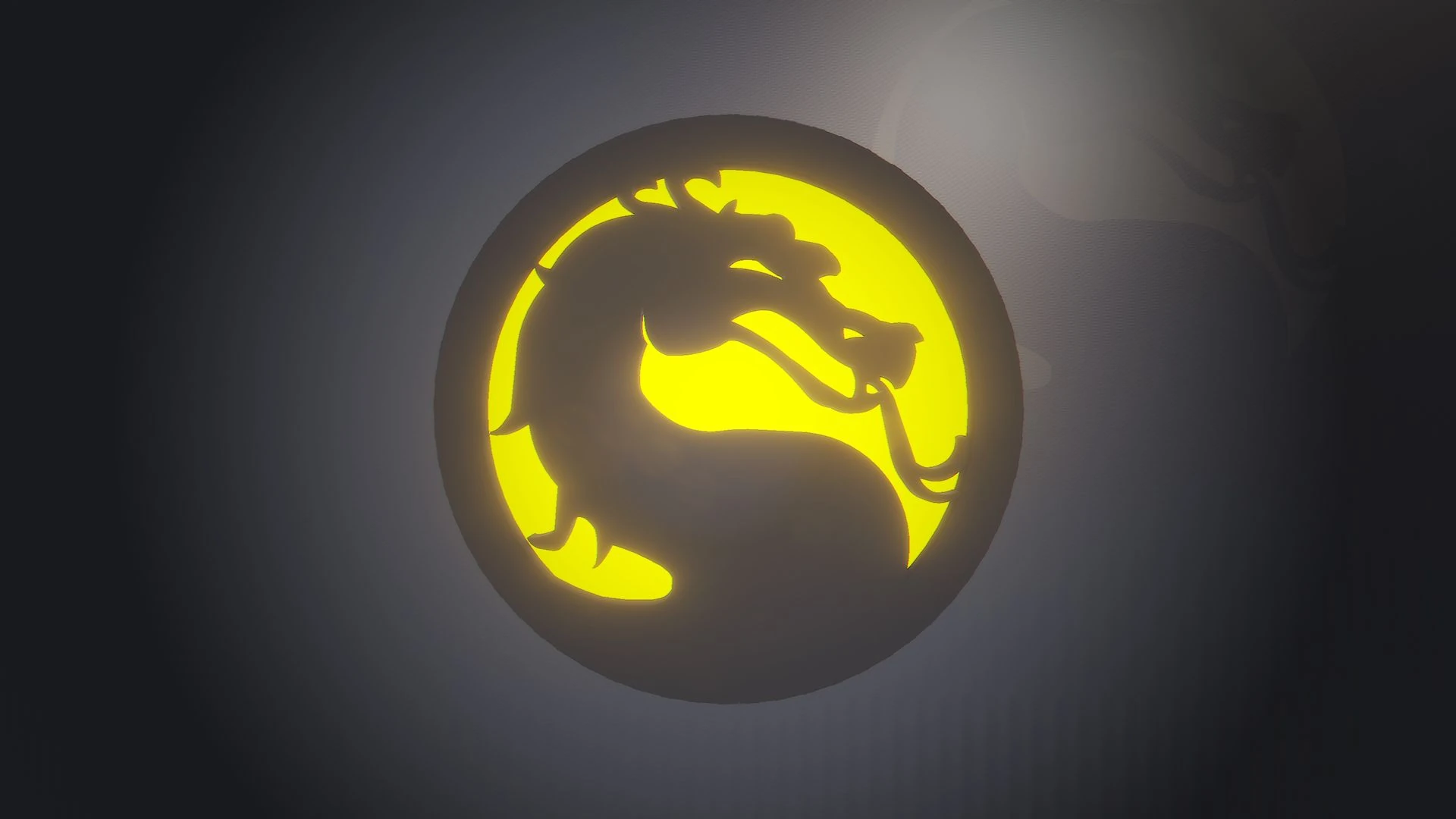
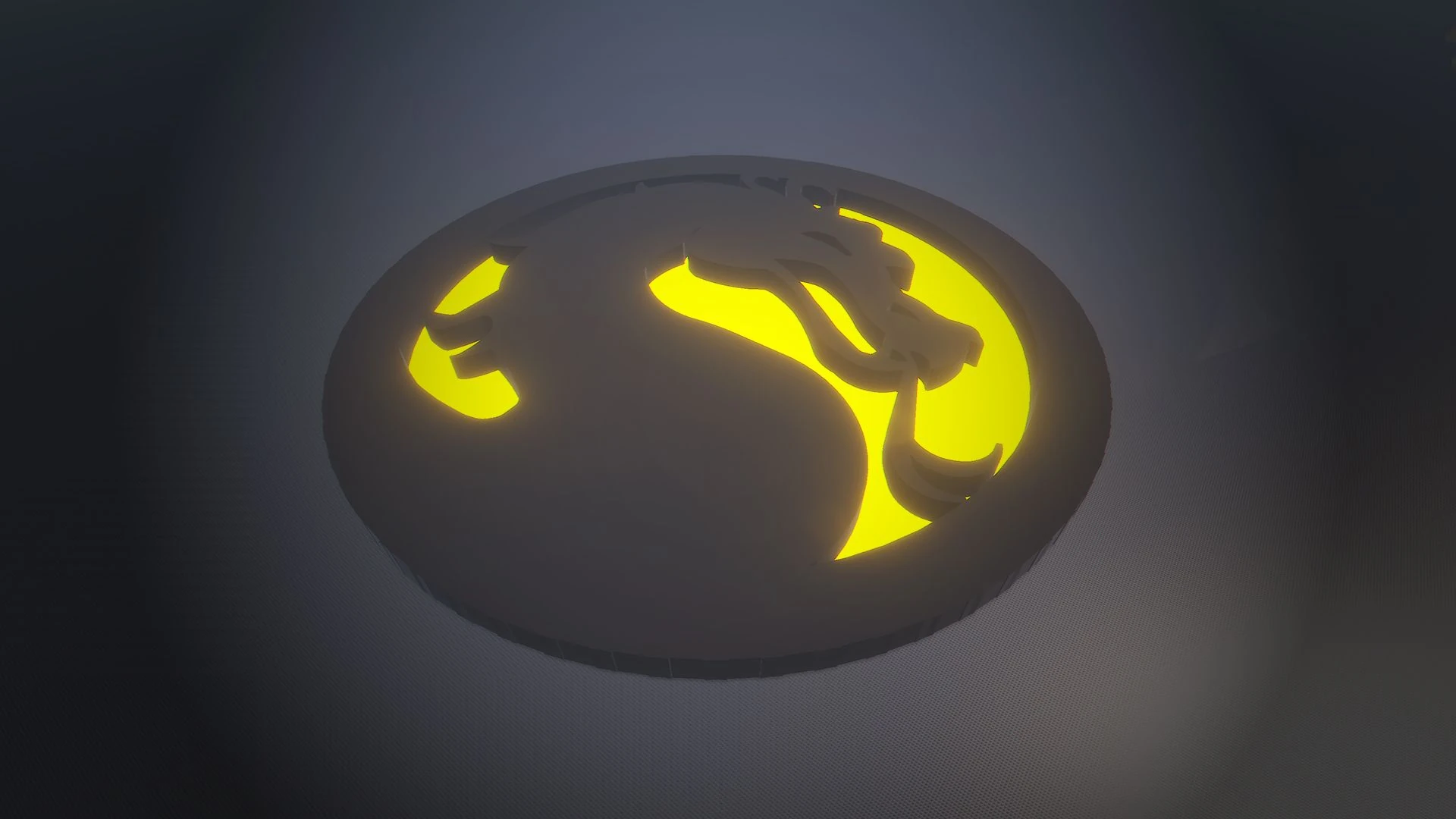
Dragon Logo is a custom Rust prefab of the dragon emblem from Mortal Kombat, the legendary fighting game series. It has been carefully built to stay faithful to the original logo, so every fan who walks across it, or flies over it, will recognise it at once.
A logo you can see from the sky
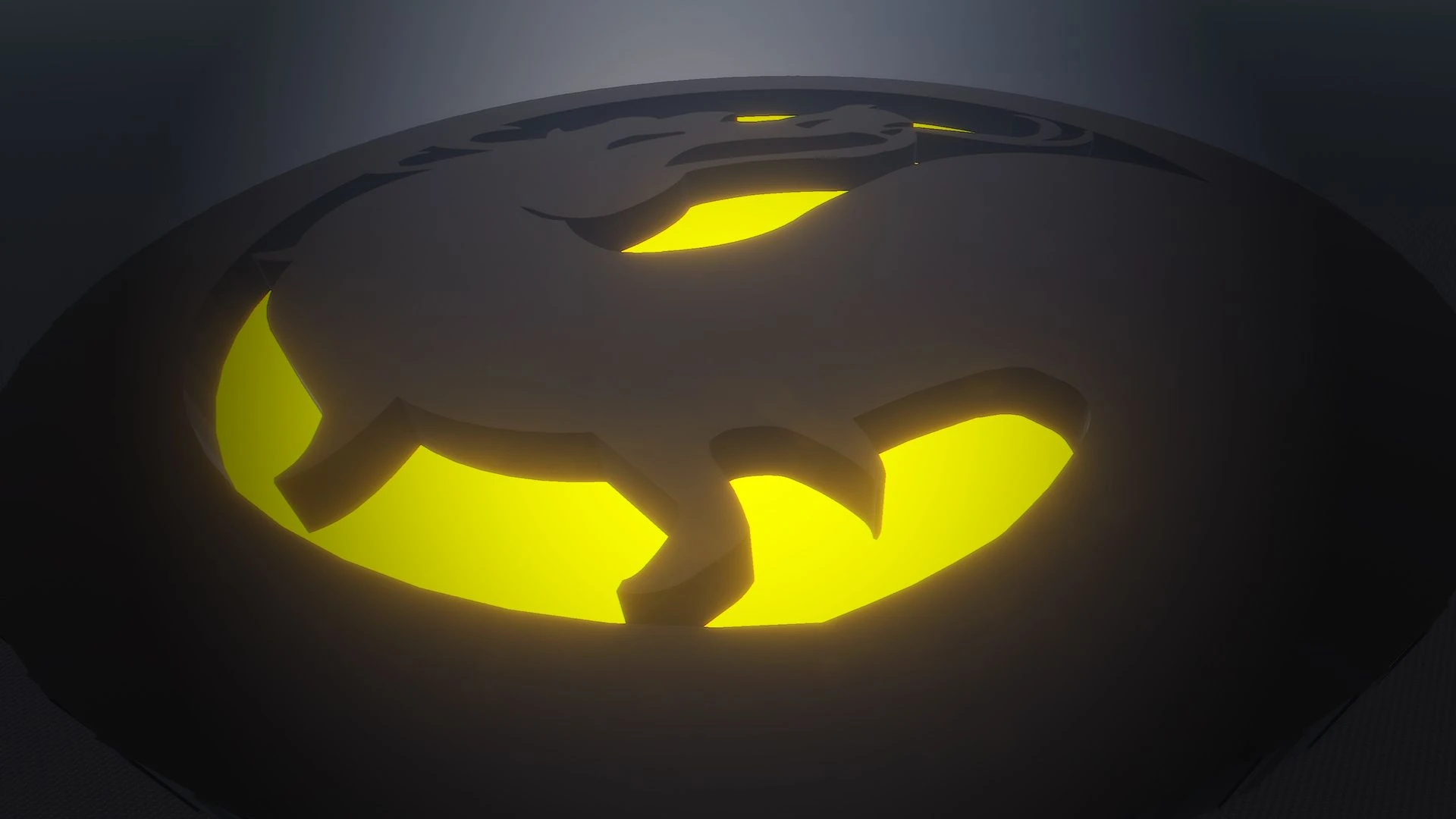
This is not a small sign on a wall. The emblem covers a placement span of 492.0 × 7.1 × 492.0 m: close to half a kilometre on each side and only a few metres high, laid out over the ground like a giant mark on the landscape. It is assembled from 1,315 prefabs using just 2 unique prefab types, which keeps the shape clean and true to the original.
There are no terrain layers. The logo adds objects only and leaves the heights, textures and topology of your map untouched.
Built for fight nights
The idea behind it is simple: decorate a combat area and let your players compete in a deadly fight. A few ways to put it to work:
- Mark the floor of a PvP arena or a duel zone with the dragon.
- Give a fighting tournament or a server event a recognisable centrepiece.
- Decorate a server or community built around a Mortal Kombat theme.
Installation
- Unpack the zip.
- Move the prefab files into the CustomPrefabs folder inside RustEdit.
- Open the map in RustEdit and place the logo from the Prefab List, leaving enough space for its full size.
- Save your map before you upload it.
The files are ready to download right after checkout, and later versions show up in your account. Help is a message away on the contact page. Planning a tournament around the dragon? Read Running a Rust Event Server: Arenas, Rules and the Map.
 Rust Raid Costs: How Many C4, Rockets and Satchels per Wall and DoorReadRust Raid Costs: How Many C4, Rockets and Satchels per Wall and DoorGuide · Nov 7, 2026