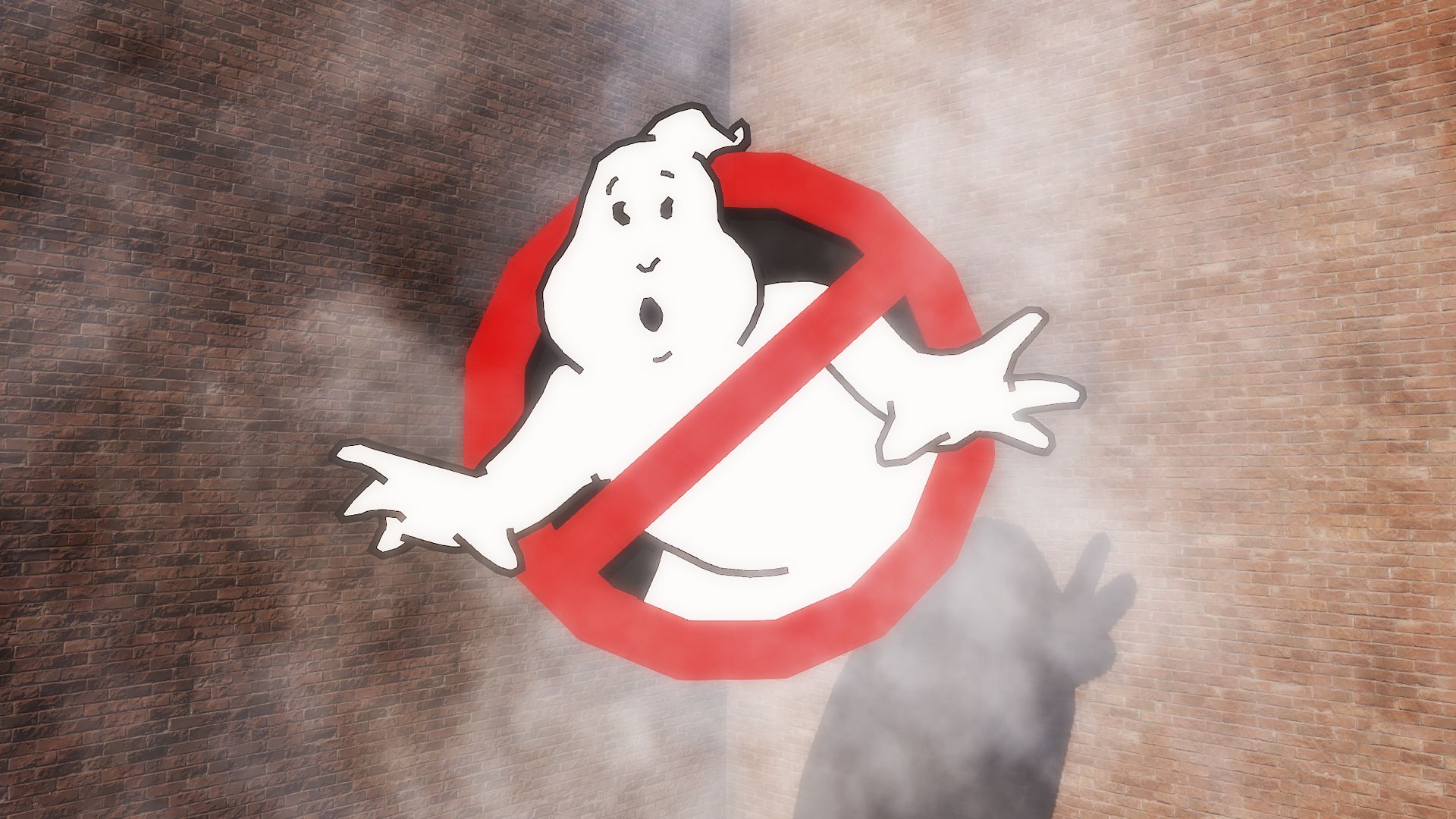
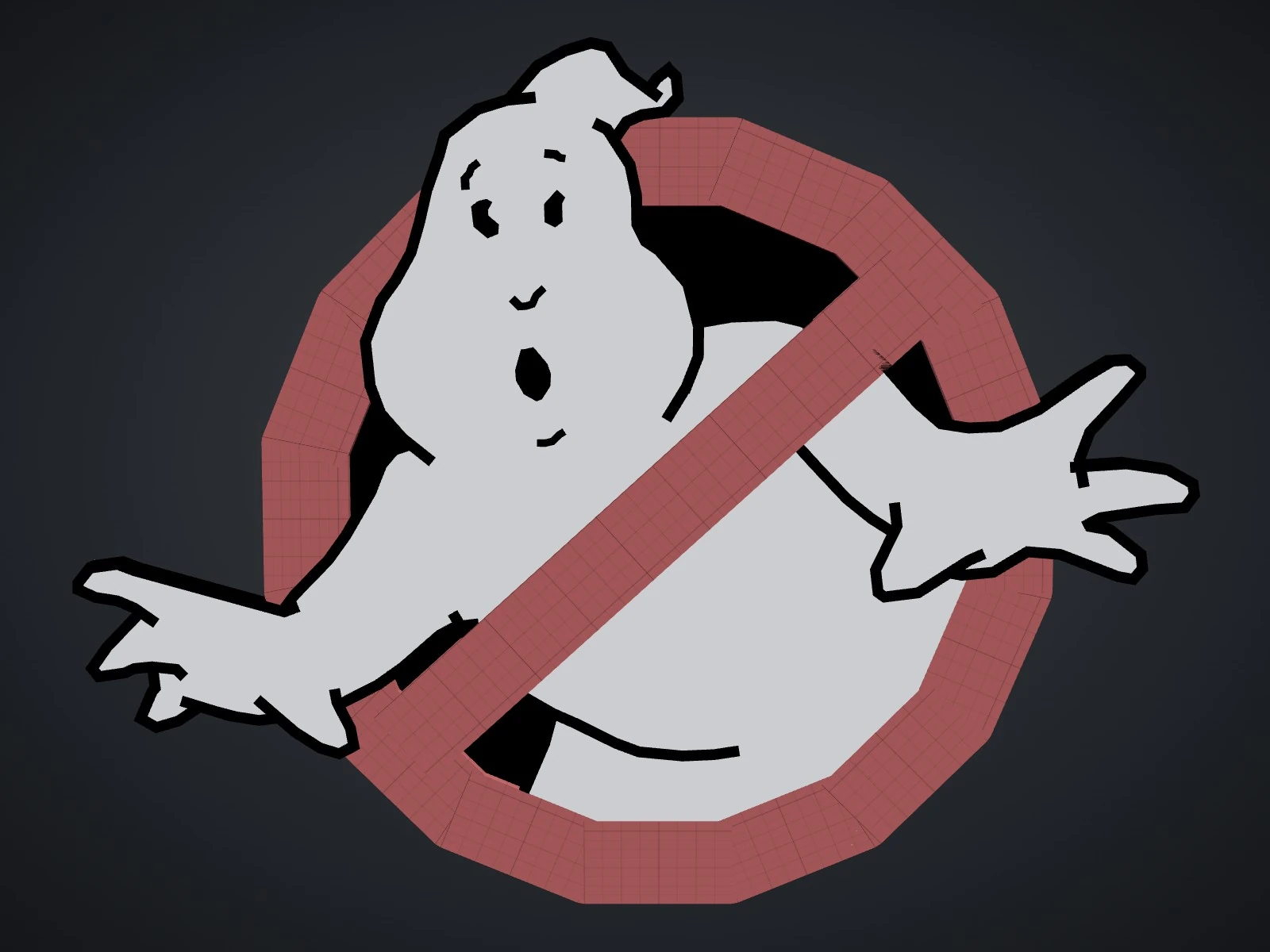
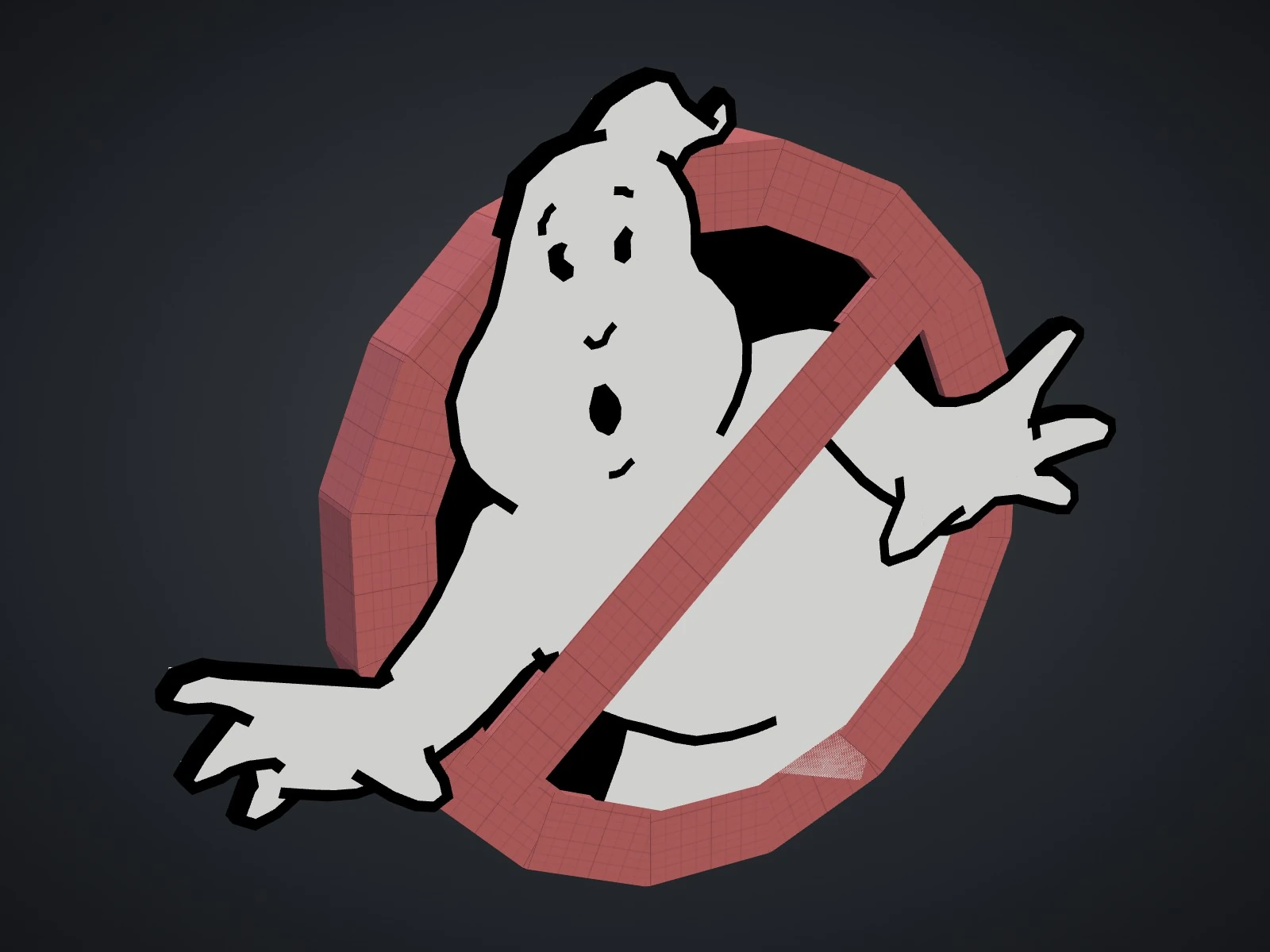
The Ghostbusters Logo is a free Rust prefab that recreates the emblem of the Ghostbusters films: the ghost caught inside the "no" sign. As its creator puts it, if you don't know this logo, you are either dead or a ghost.
Size and where to put it
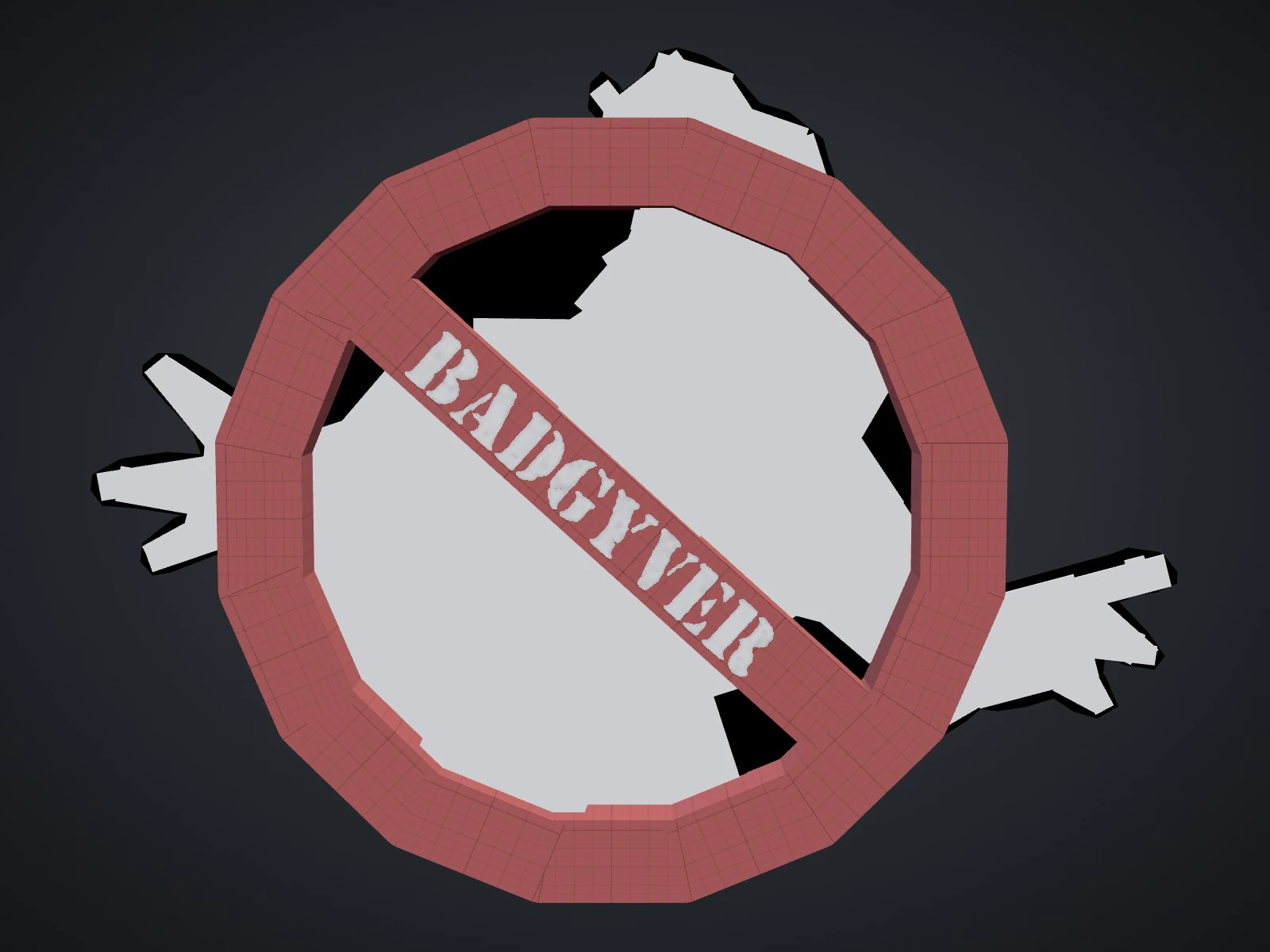
The logo measures 7.3 × 5.4 × 0.5 m: just over seven metres wide, a little more than five metres tall and only half a metre deep. That makes it a flat emblem you can fix to a surface rather than a free-standing object. Good spots for it:
- Above the entrance of a themed custom monument.
- On the front of a building in a city or roleplay area.
- As the centrepiece of a Halloween event zone.
It is assembled from 292 prefabs of 11 types and carries no terrain layers, so it adds objects only and never changes the ground beneath it.
Pair it with Ghostbusters Barracks
The logo was made for the same fans as Ghostbusters Barracks, the Rust monument that recreates the famous firehouse headquarters from the films. Set the emblem above the barracks doors, or at the entrance of the road that leads to them, and players will know where they are before they read a single sign.
On its own it also works as a small easter egg: hide it on the wall of an abandoned building, a radtown alley or a Halloween maze and let your players find it. Because it is flat and only half a metre deep, it sits neatly against a wall without blocking a doorway or a path.
Installation
- Extract the downloaded archive.
- Copy its prefab files into the CustomPrefabs folder of RustEdit.
- Open your map in RustEdit and select the logo in the Prefab List.
- Position it against its wall, rotate it to face the way players arrive, and save the map.
Your download is ready instantly after checkout, and updates appear in your account. Questions? Use the contact page. You will find more decoration and themed pieces among the Rust prefabs.
 Rust Halloween 2026 Update: What’s New and How to Run a Halloween ServerReadRust Halloween 2026 Update: What’s New and How to Run a Halloween ServerGuide · Oct 22, 2026