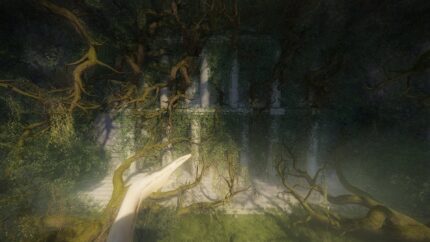
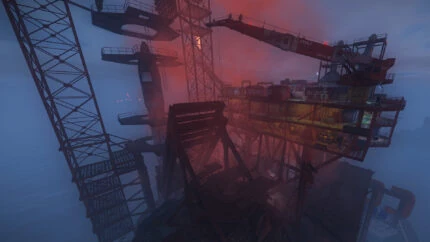
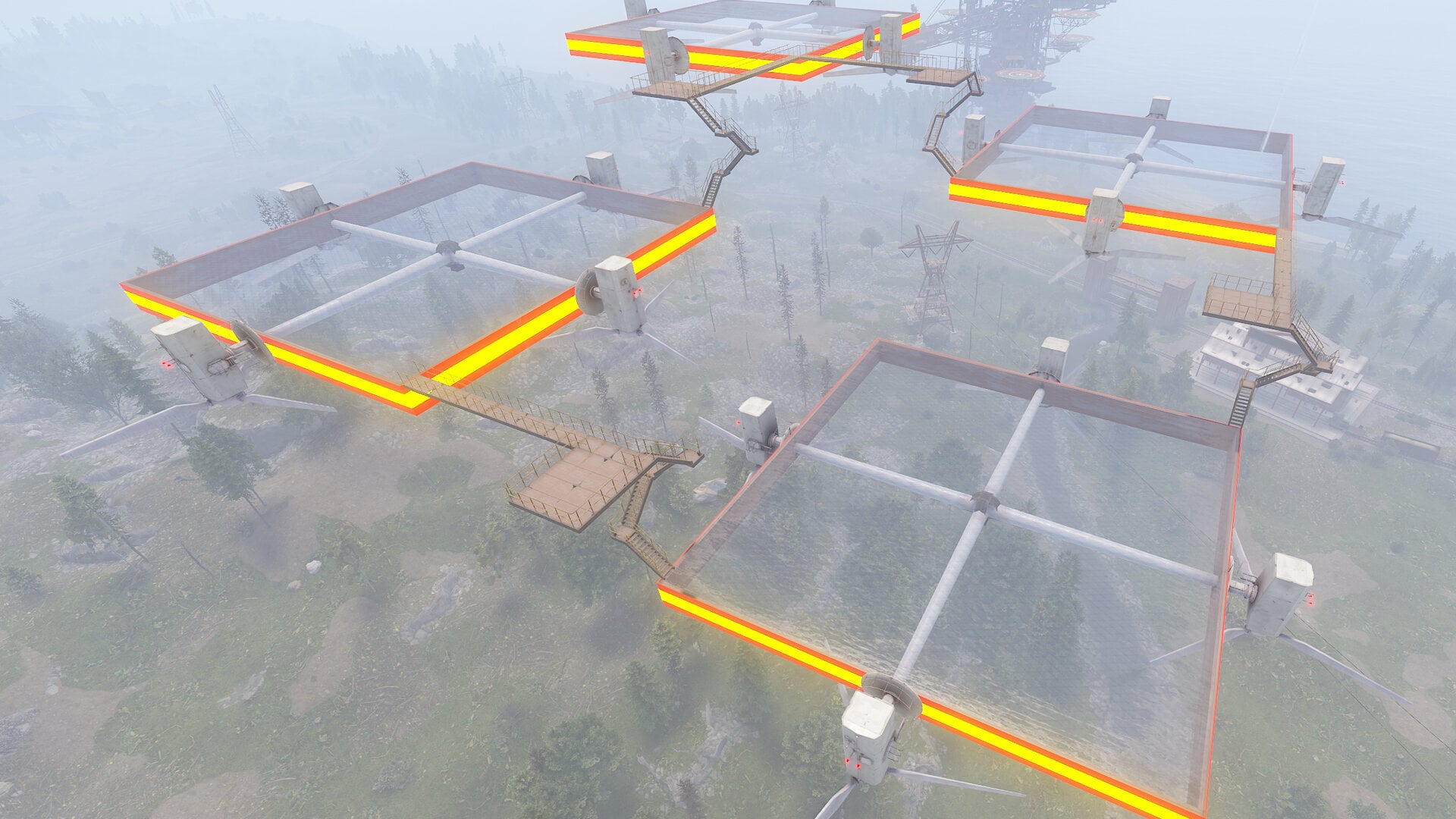
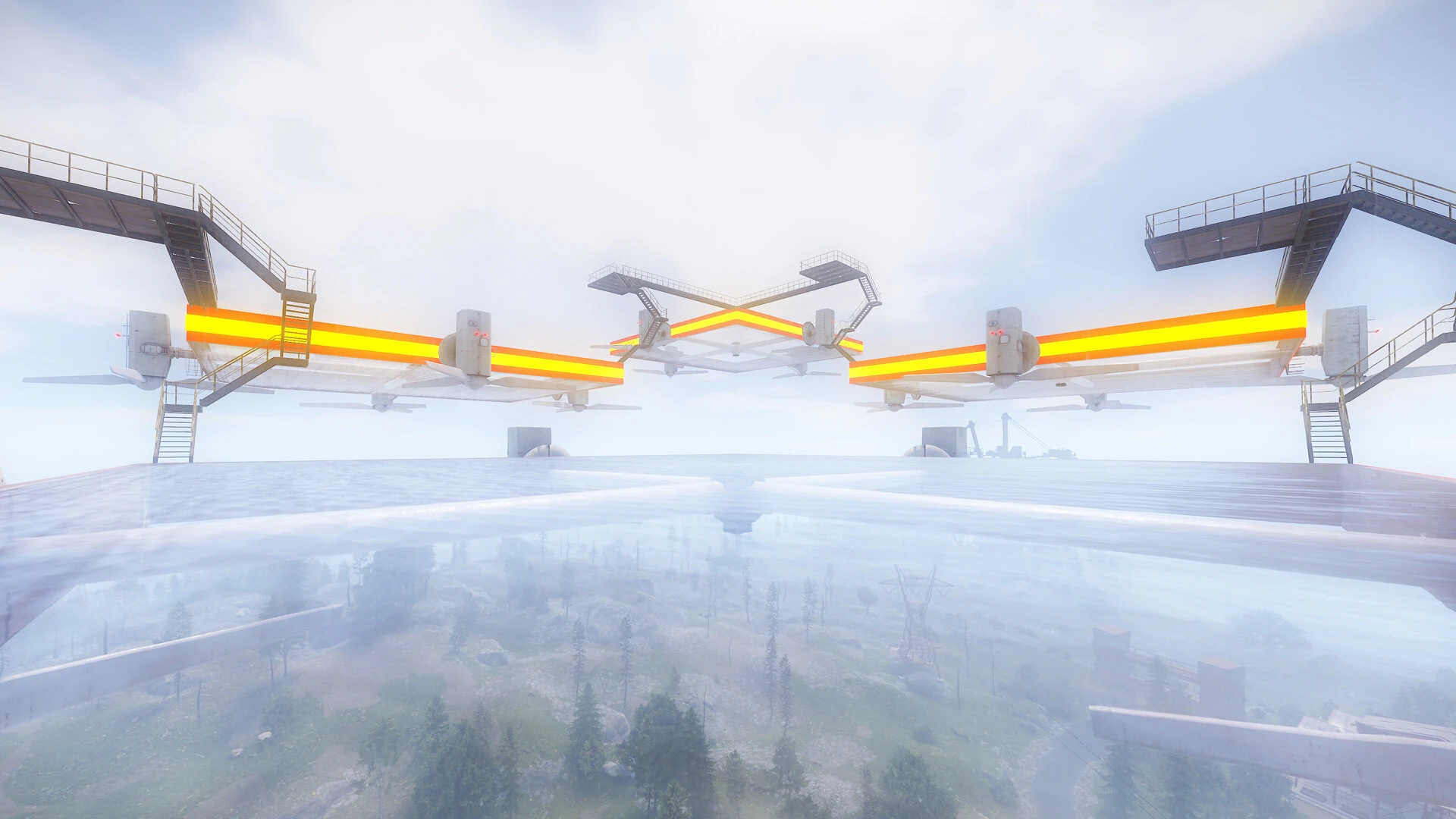
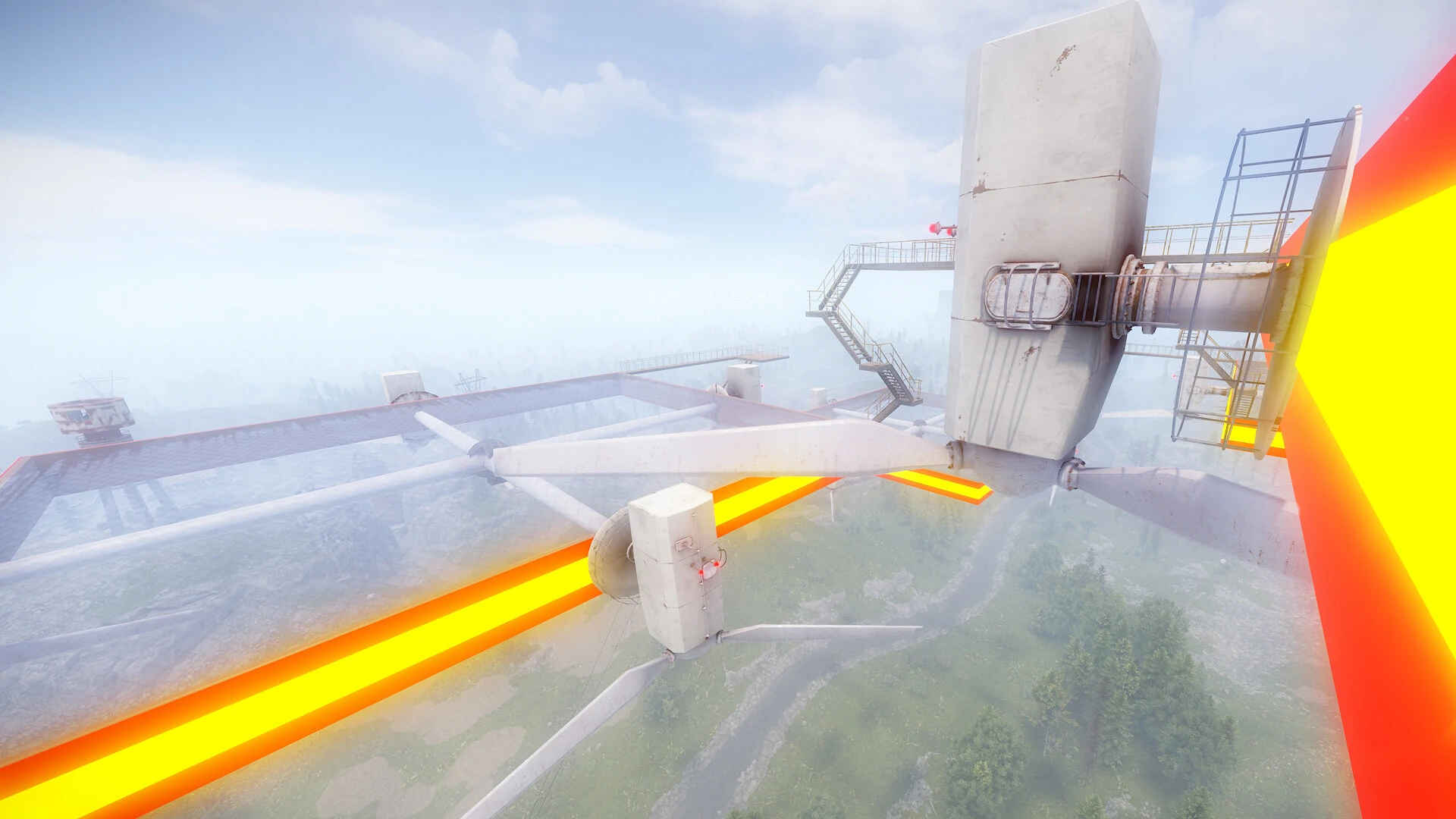
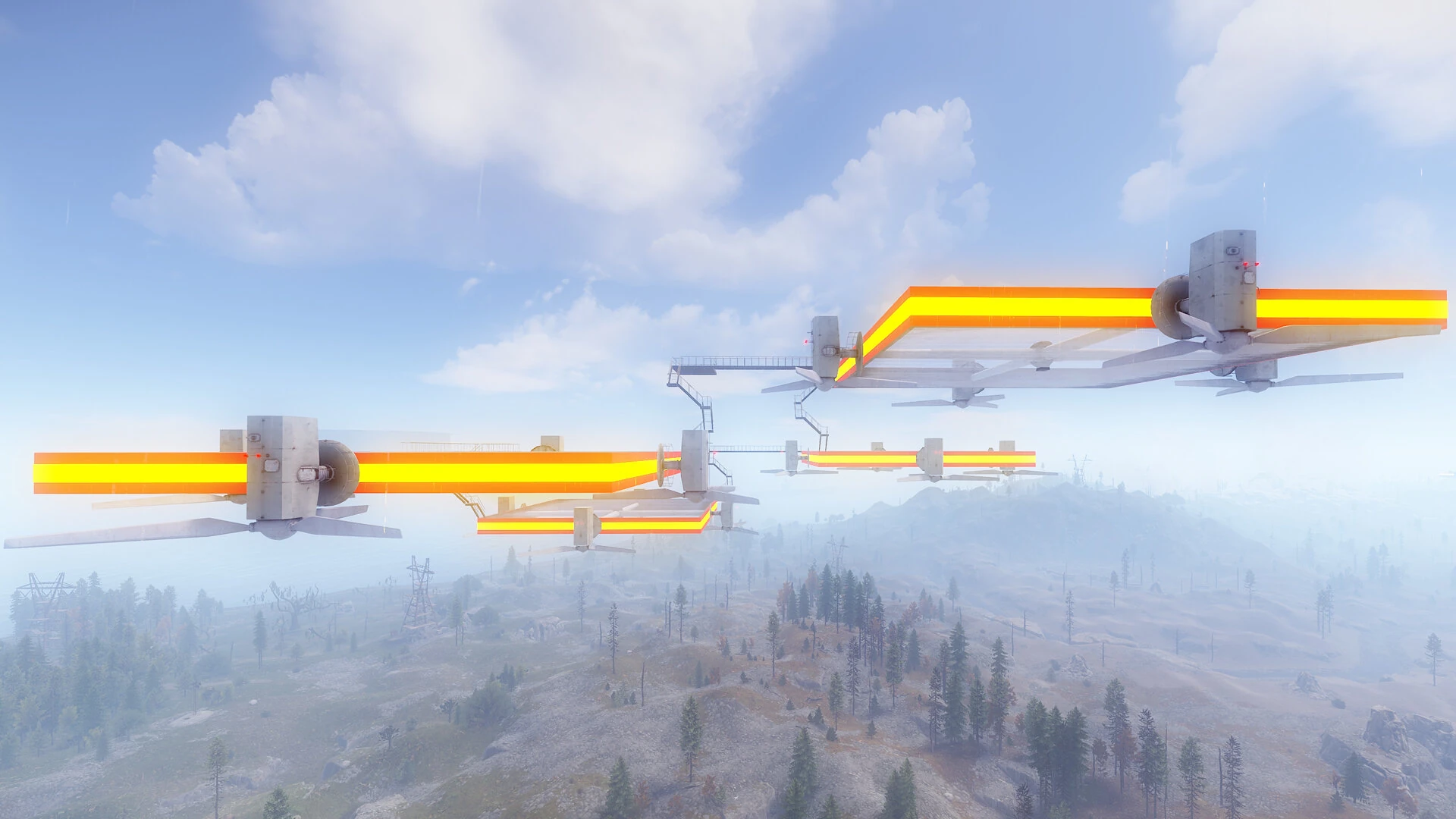
Air Build Zone is an original Rust prefab that gives the players on your server somewhere unusual to settle: up in the air. It is made up of four separate zones to build in, and once night falls they light up your skies.
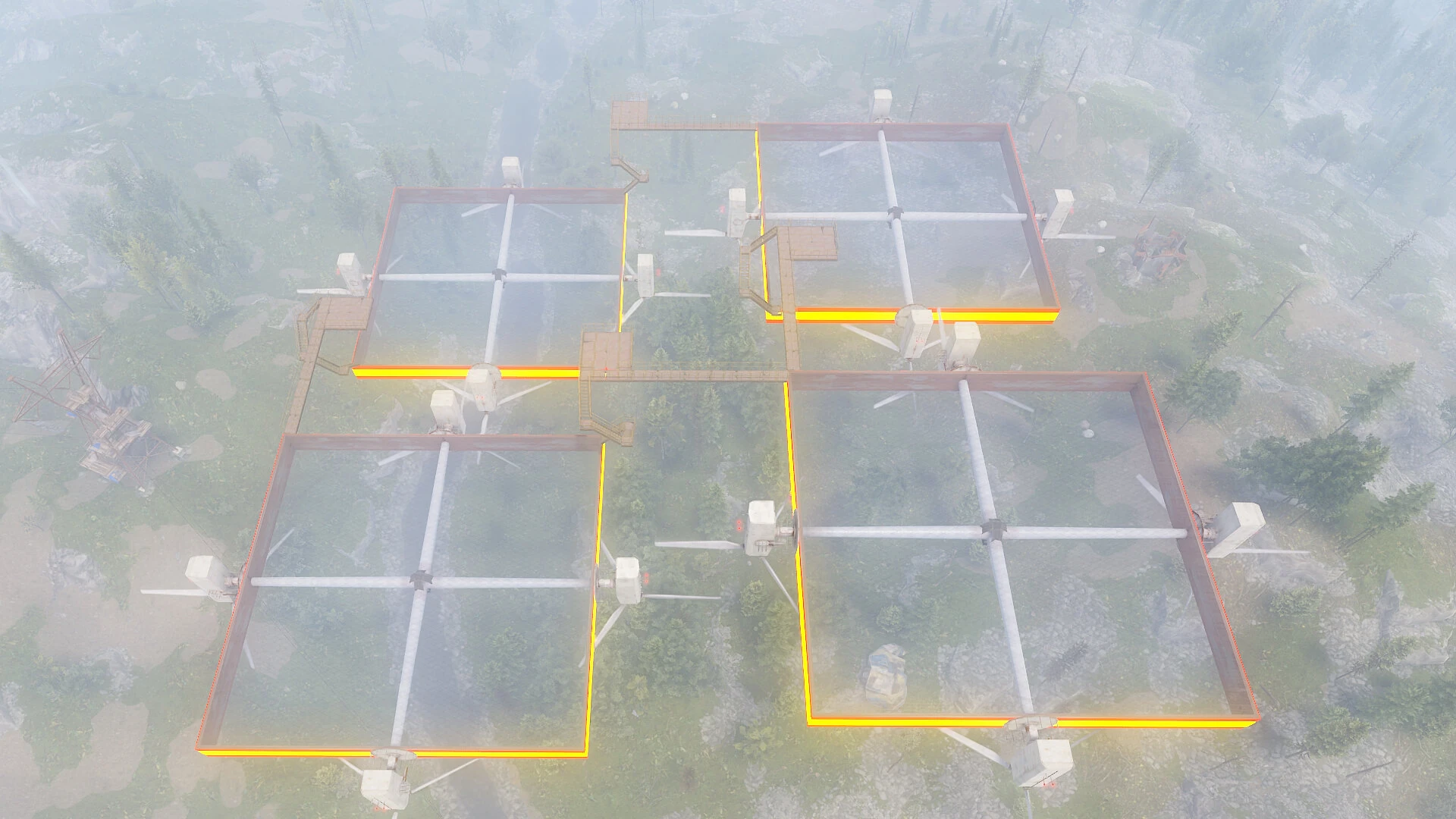
Four zones to build in
Instead of one large plot, the prefab is split into four zones, so several players or groups can each claim their own space without building on top of one another. Living above the ground gives a base a very different feel, and the view from up there is part of the appeal.
- 4 separate zones for players to build in.
- Lighting that makes the zones shine after dark.
- Placement span of 103.7 × 25.4 × 102.4 m.
- 80 prefabs of 8 different types.
- No terrain layers: objects only, the ground below stays untouched.
Where it fits on your map
With a footprint of about 104 by 102 metres, it needs a clear patch of the map. Open land works best, away from the rush of the larger monuments. Because the zones light up at night, it doubles as a landmark after dark, which makes it a good choice for build-focused, PvE or roleplay servers that want their bases to be part of the scenery. Pair it with a few ordinary ground plots elsewhere and players get a real choice of where to live.
Installation
- Extract the zip.
- Add the prefab files to RustEdit's CustomPrefabs folder.
- Open your map in RustEdit and select Air Build Zone in the Prefab List.
- Place it over open ground, set its height and save the map.
You can download it as soon as checkout is complete, and new versions appear in your account. For questions, open a ticket from the contact page. For ideas on what holds up once players move in, read Rust Base Designs That Actually Survive a Raid.
 Rust Base Designs That Actually Survive a RaidReadRust Base Designs That Actually Survive a RaidGuide · Sep 11, 2026