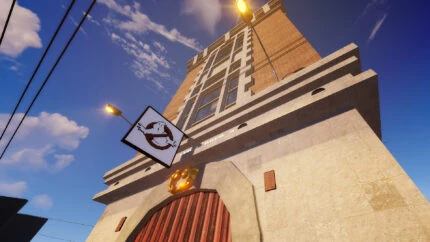
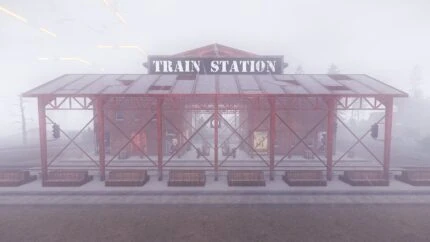
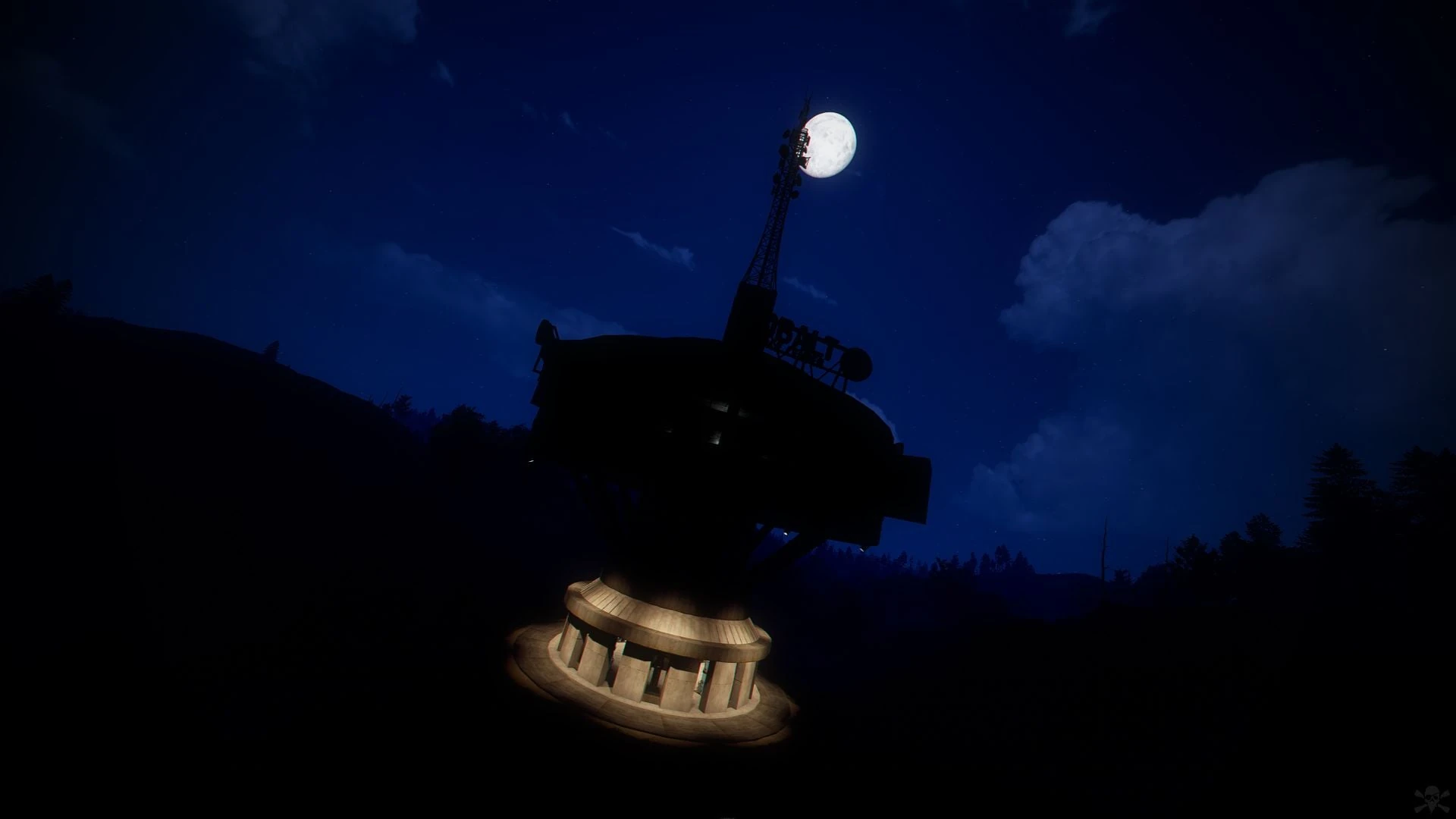
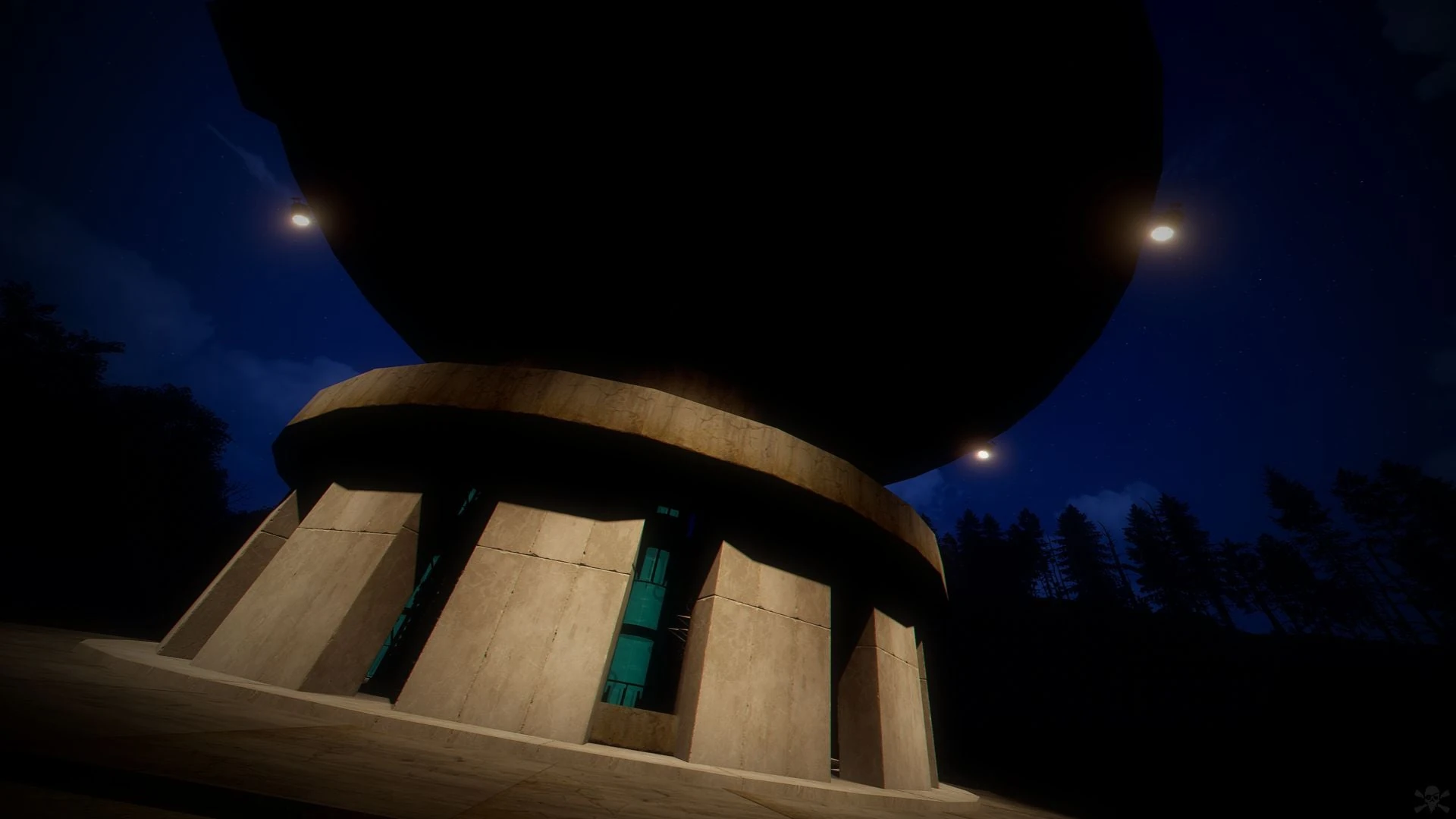
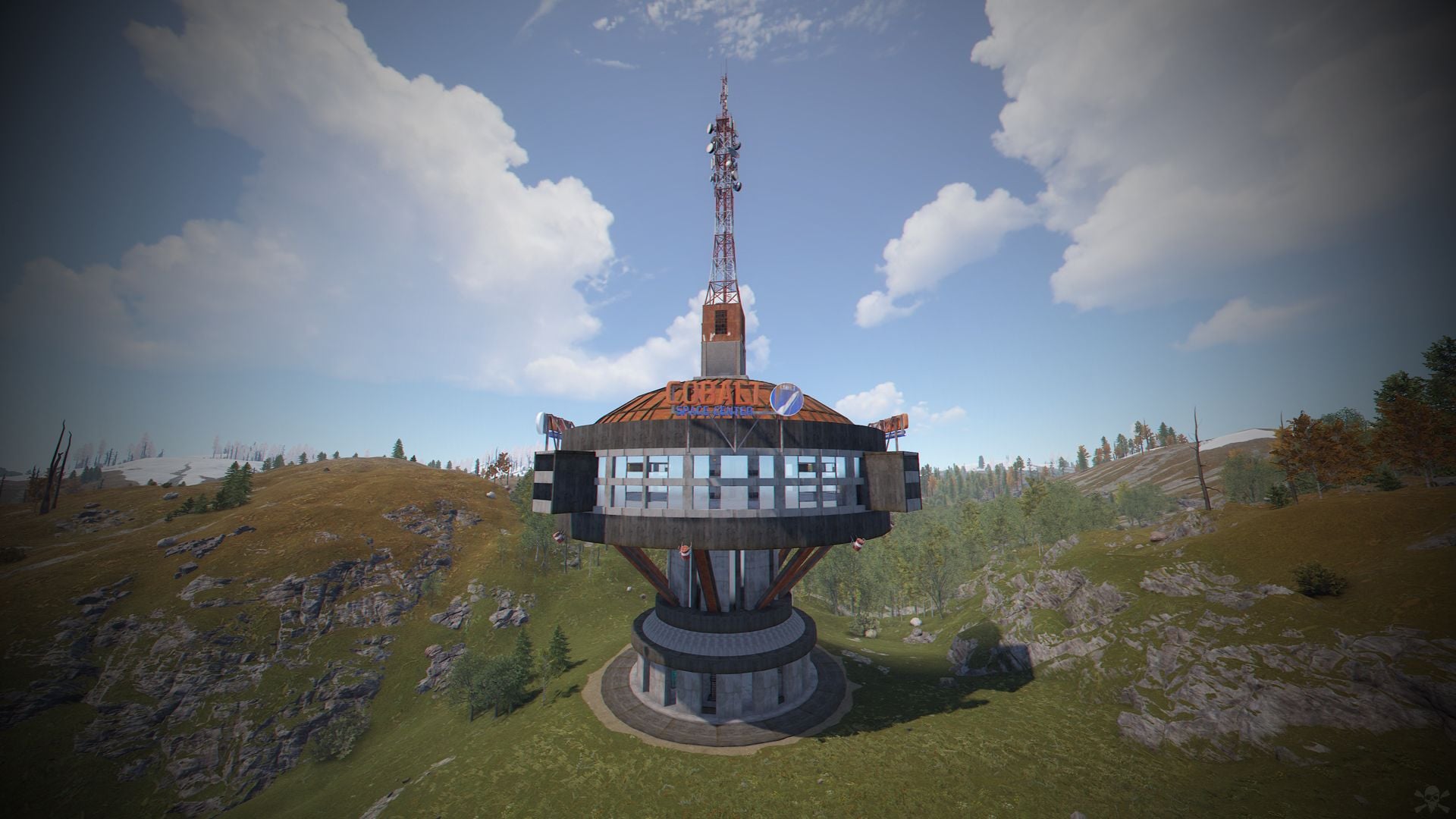
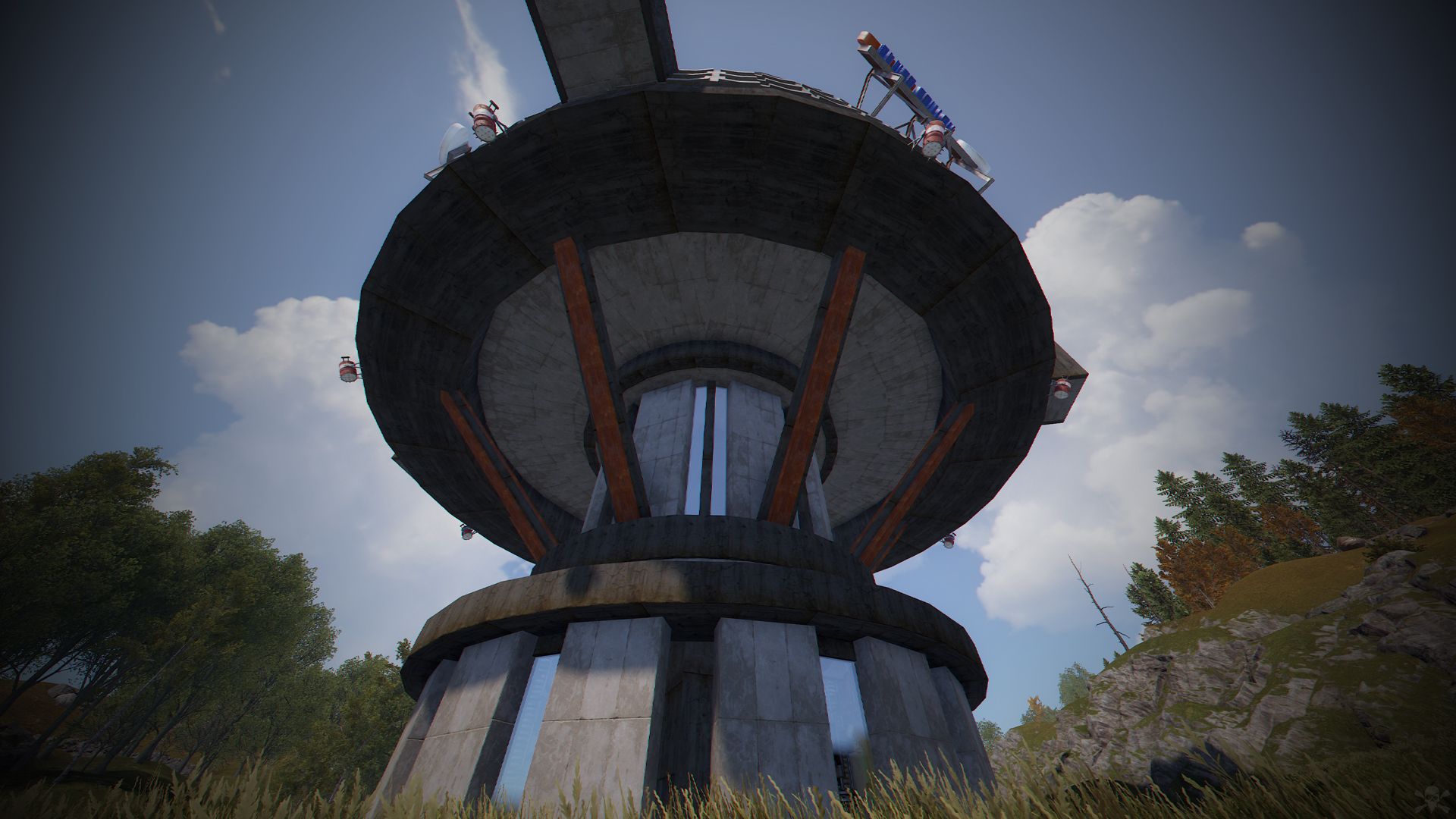
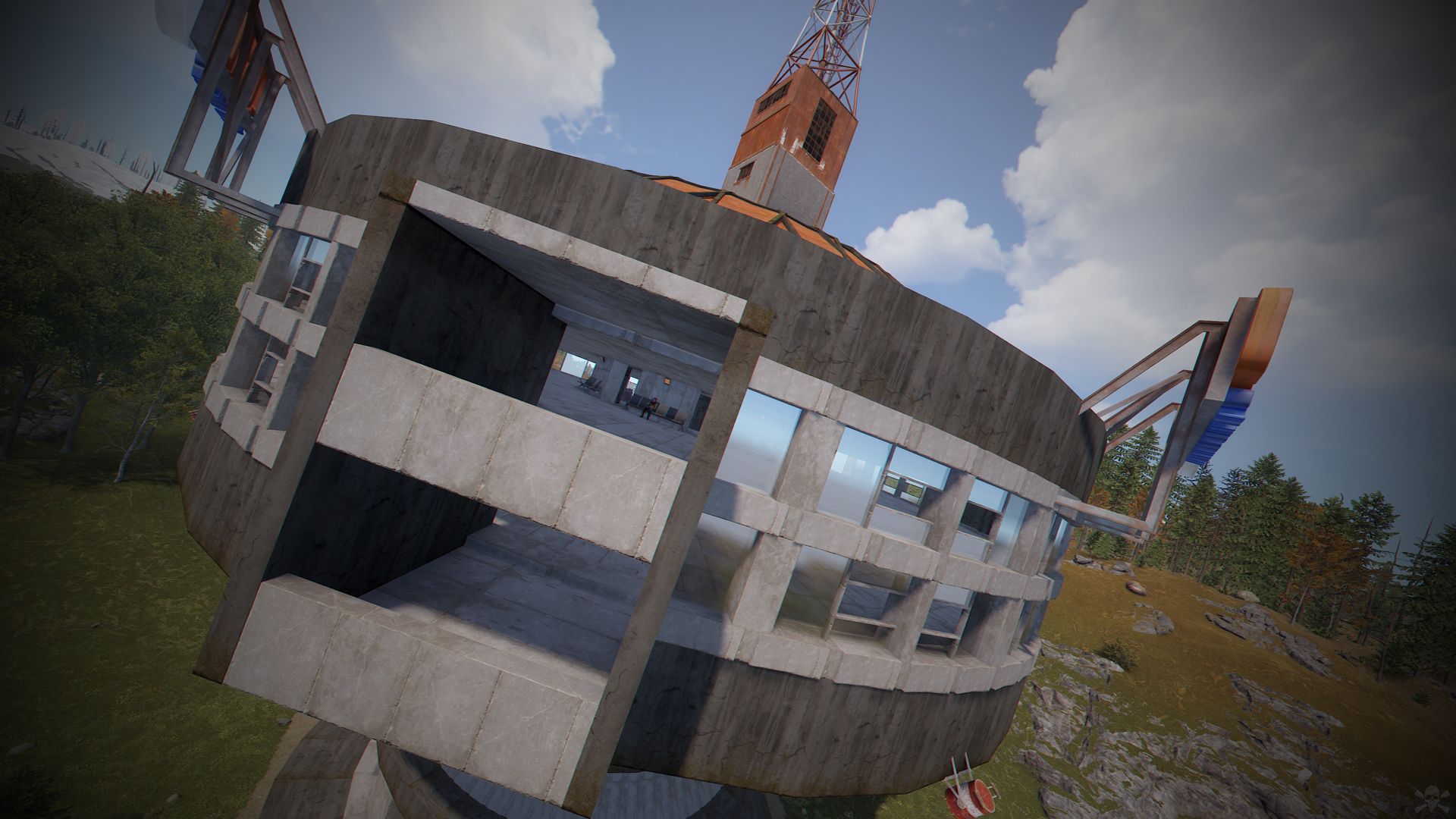
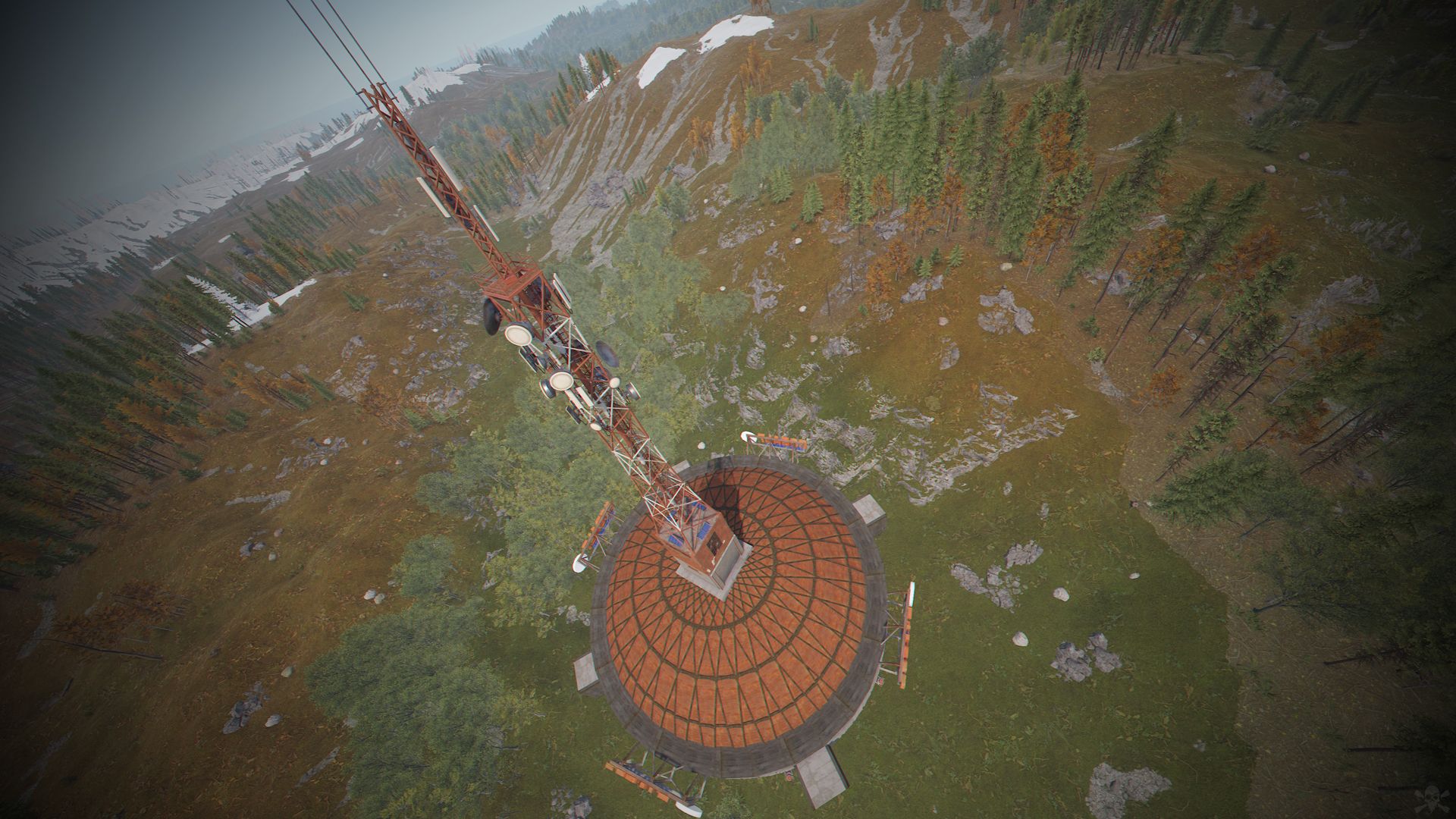
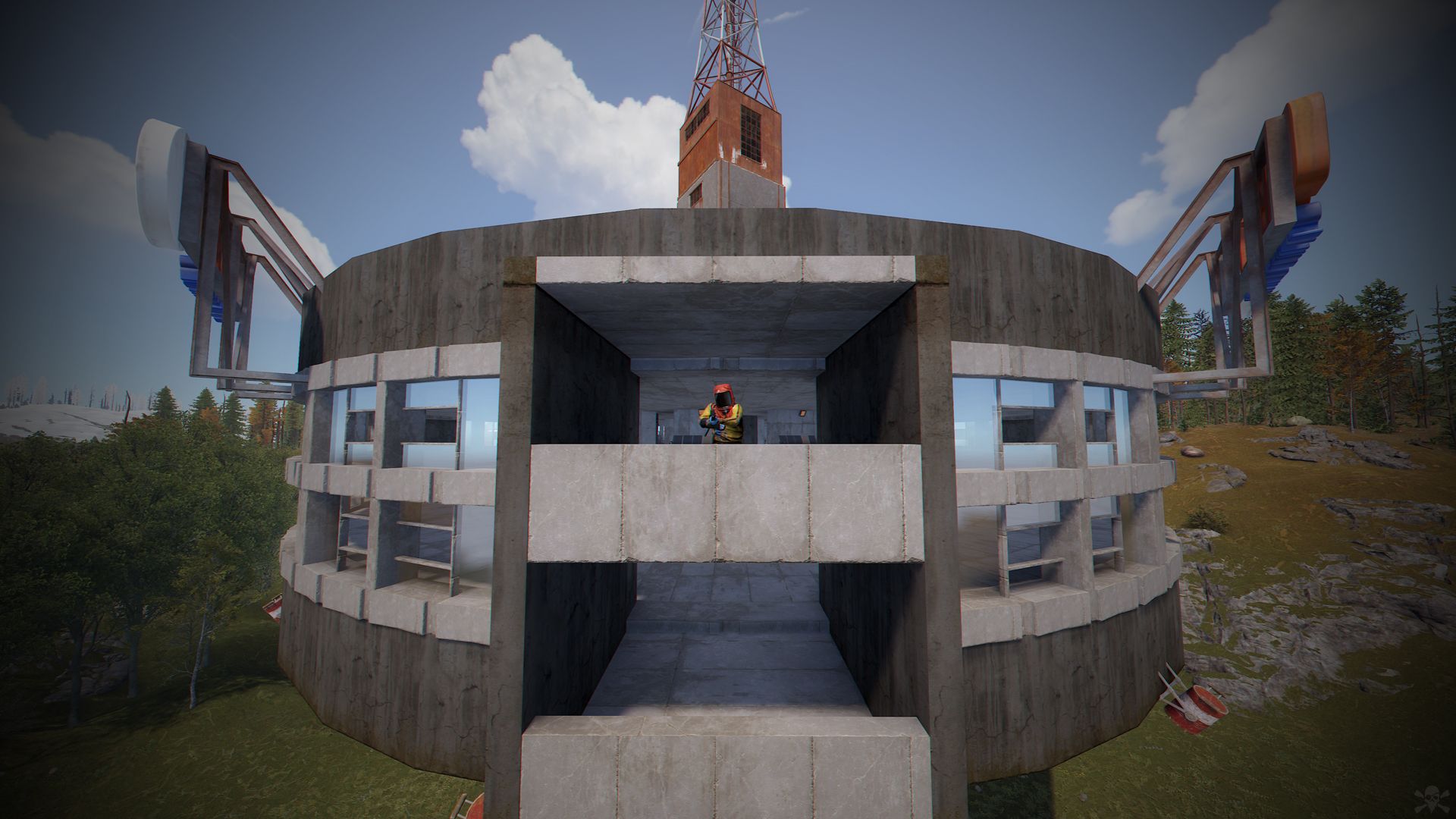
Heli Tower is a public self-defence tower for Rust that gives your players somewhere to stand and fight when the patrol helicopter comes over. Instead of hiding in a base and hoping it passes, they climb up, take position and bring it down together. Place it on your map and the helicopter stops being a nuisance and becomes the reason people gather.
What players will find inside
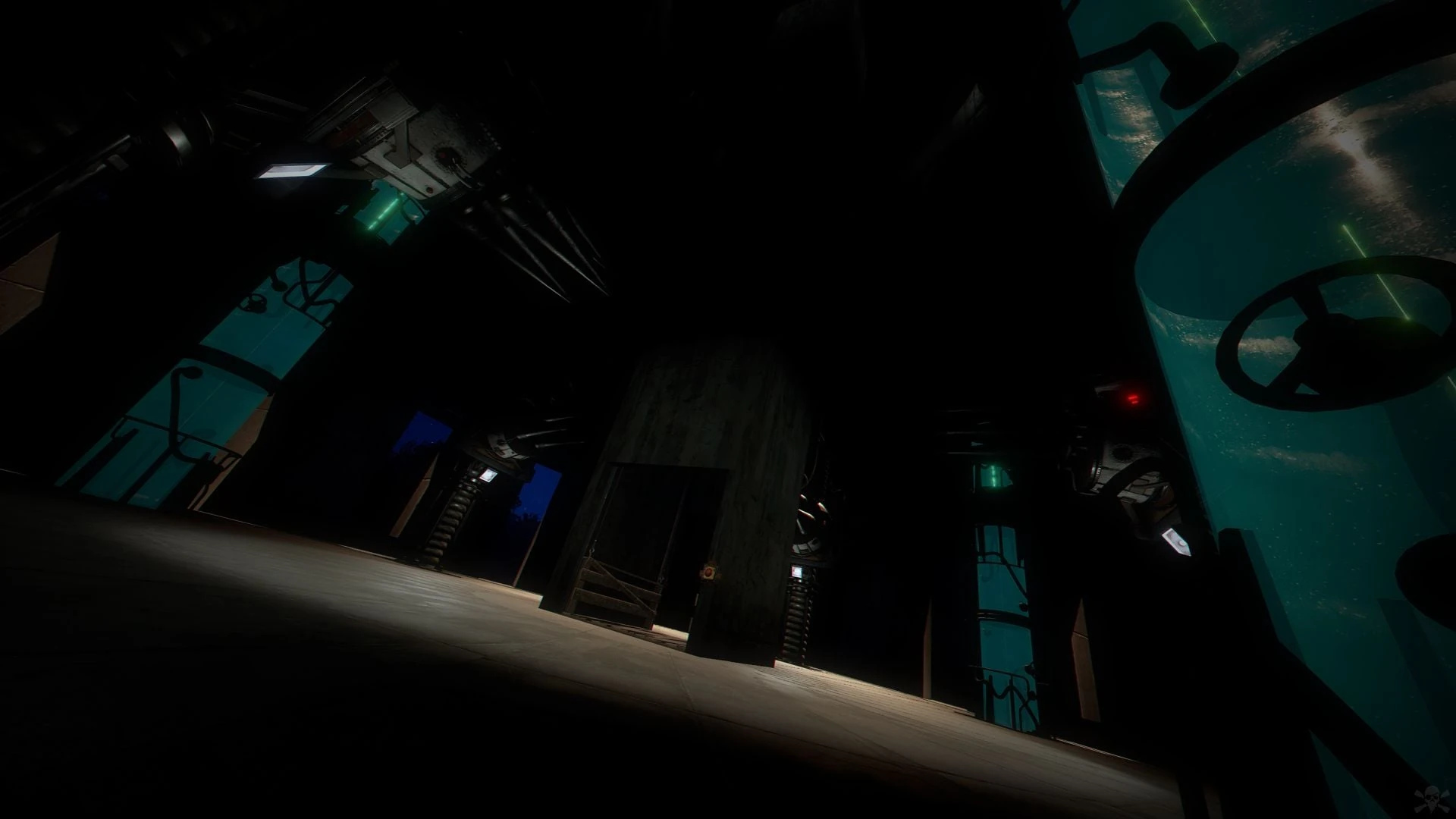
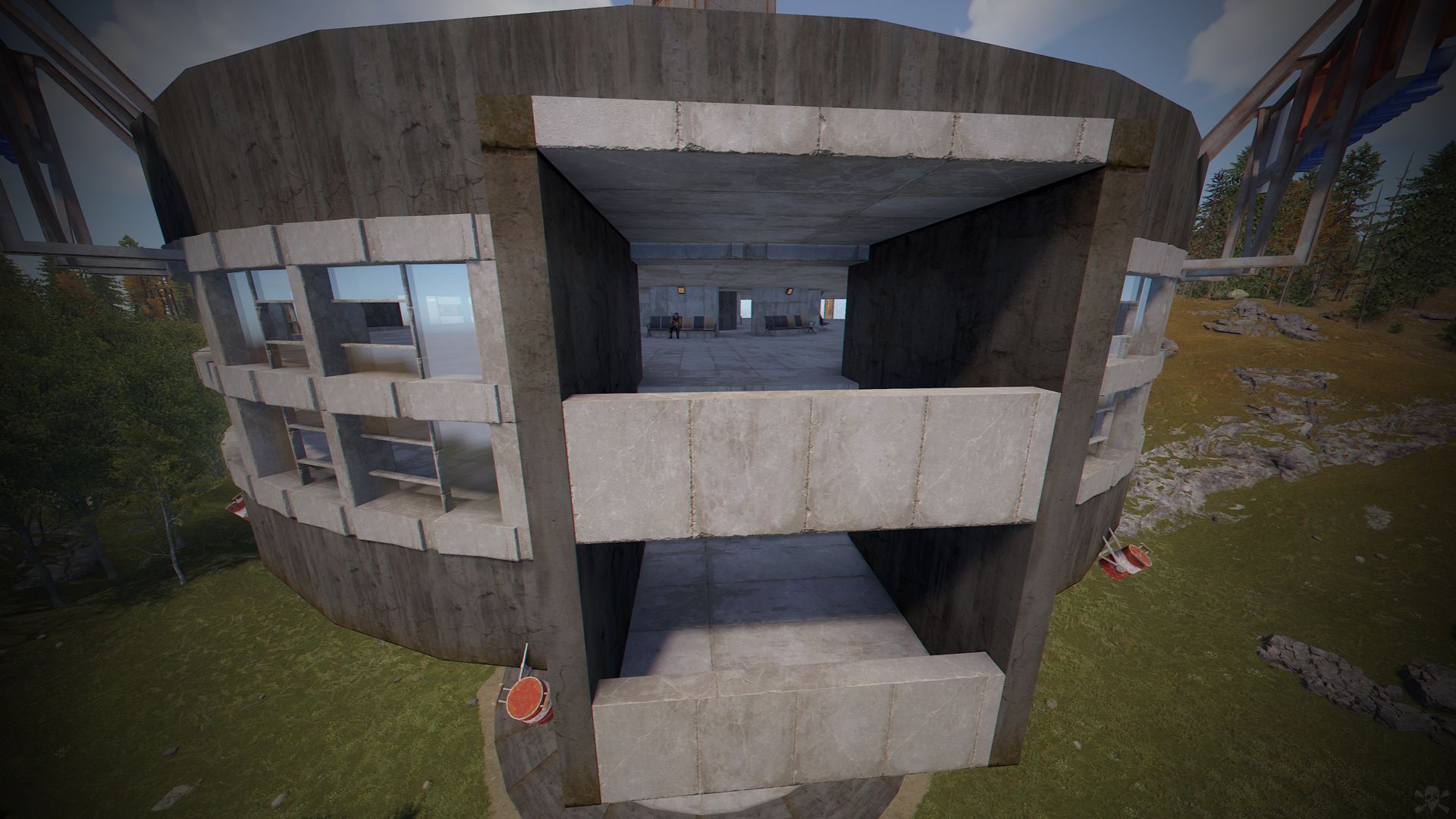
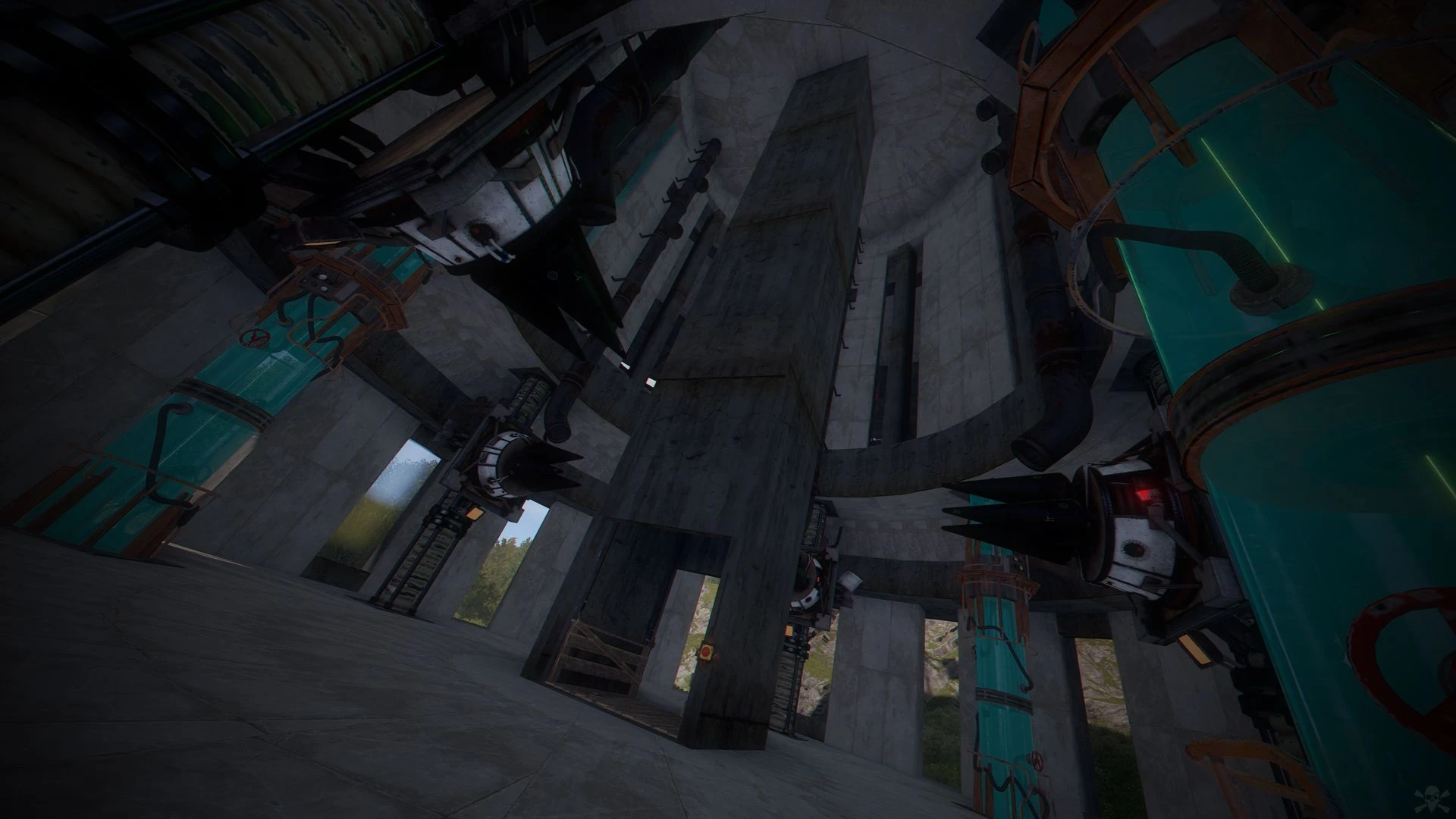
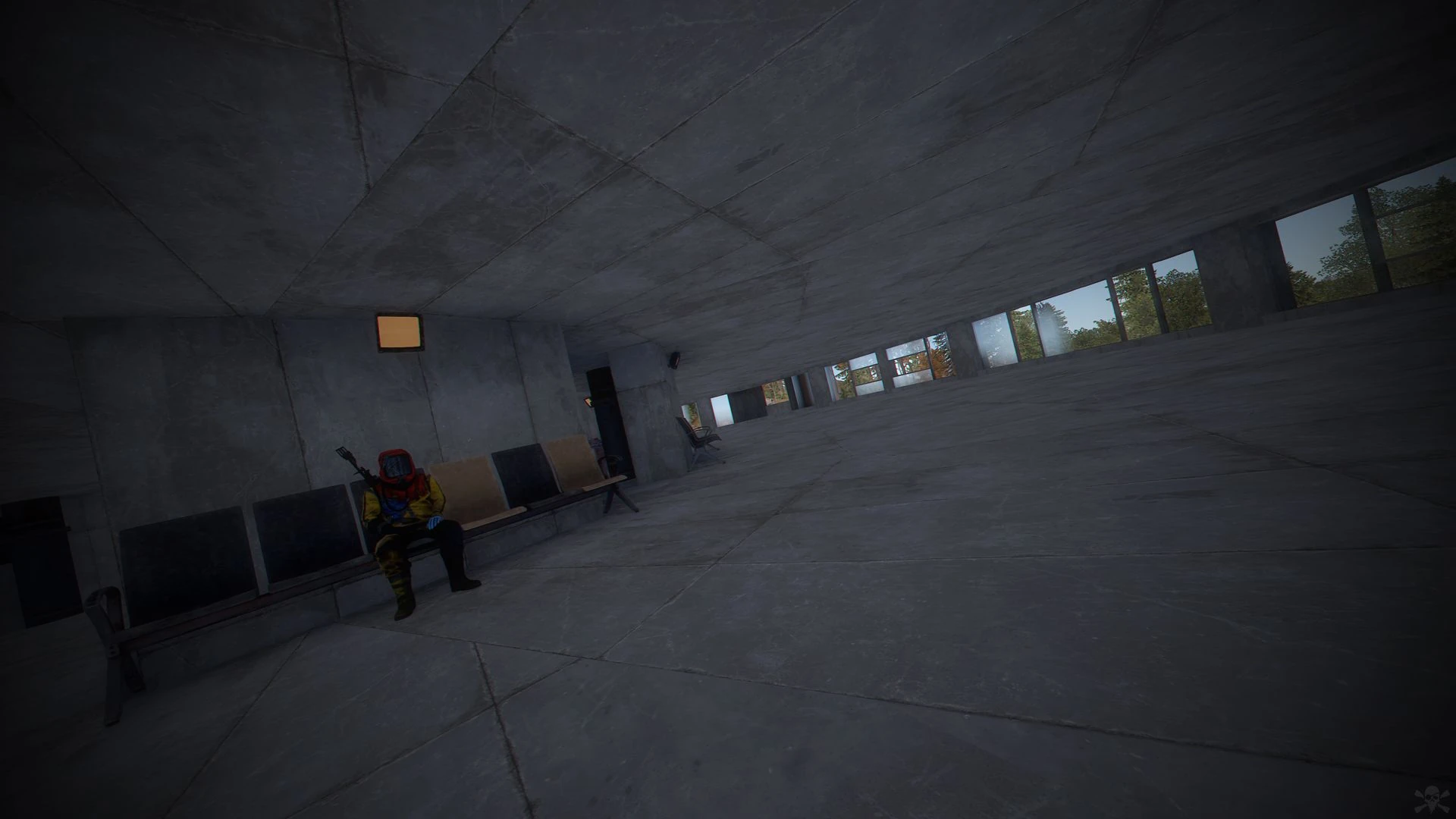
The tower is organised in levels, each with its own job:
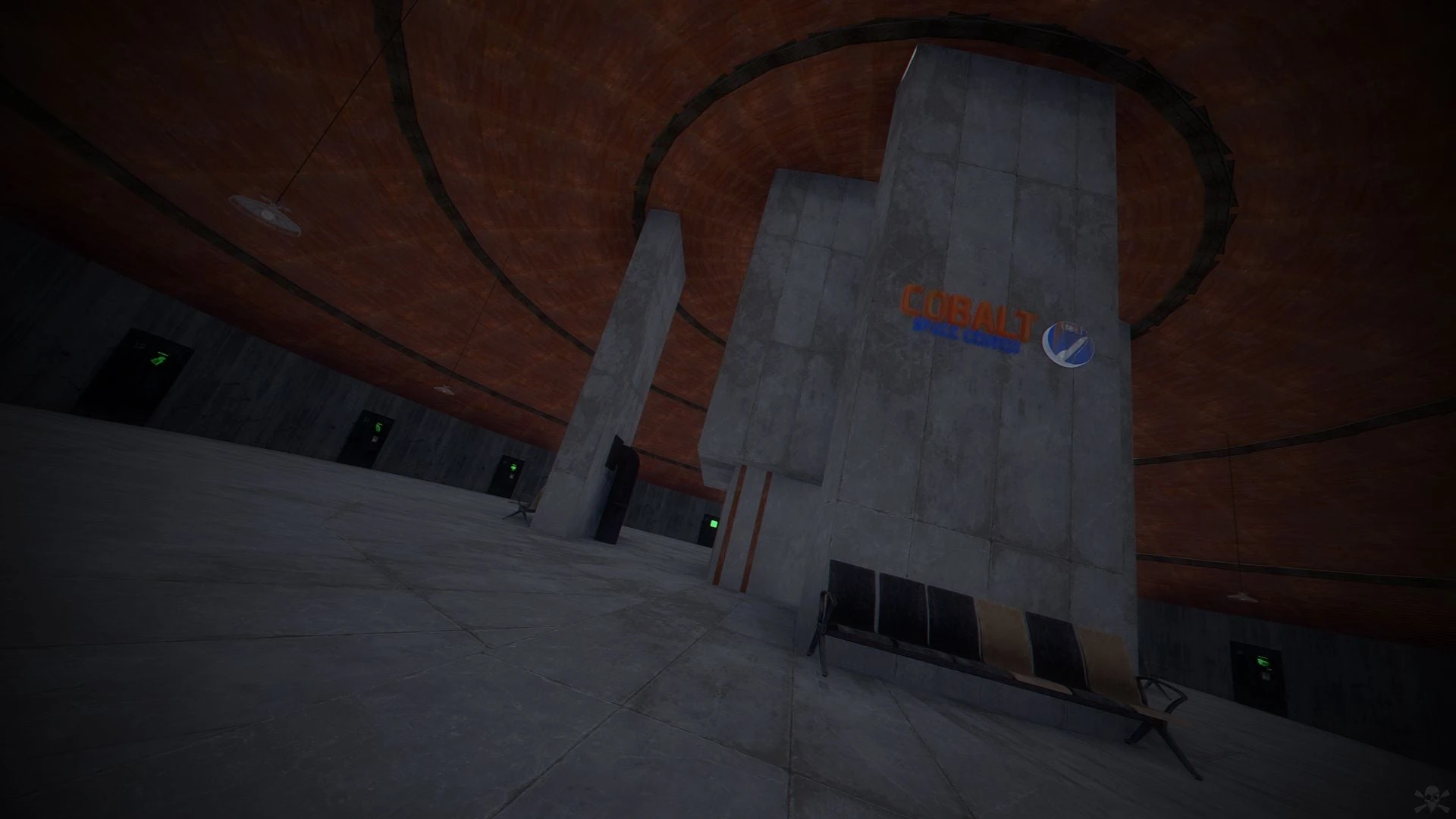
- First floor: the entrance level at the foot of the tower.
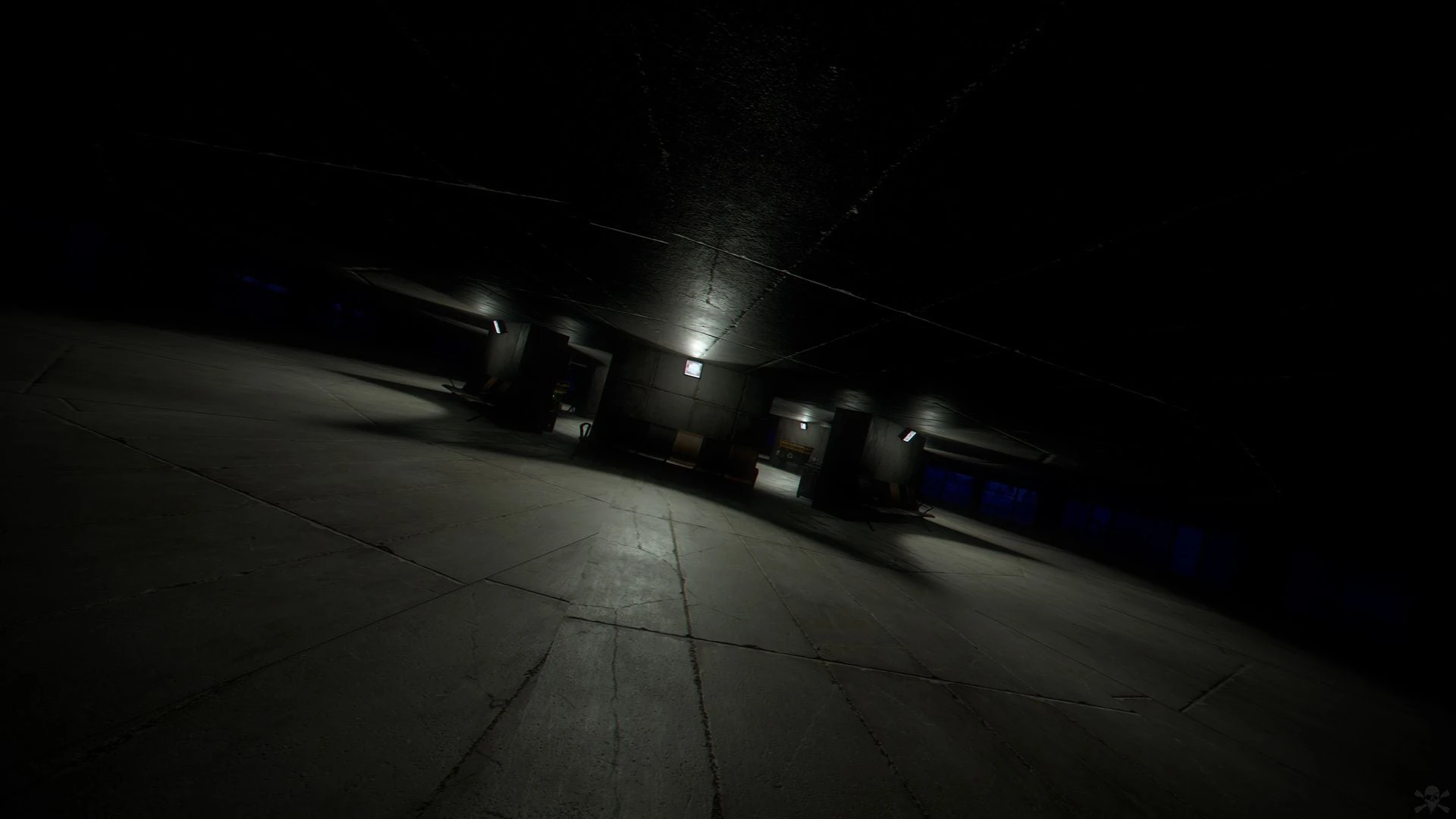
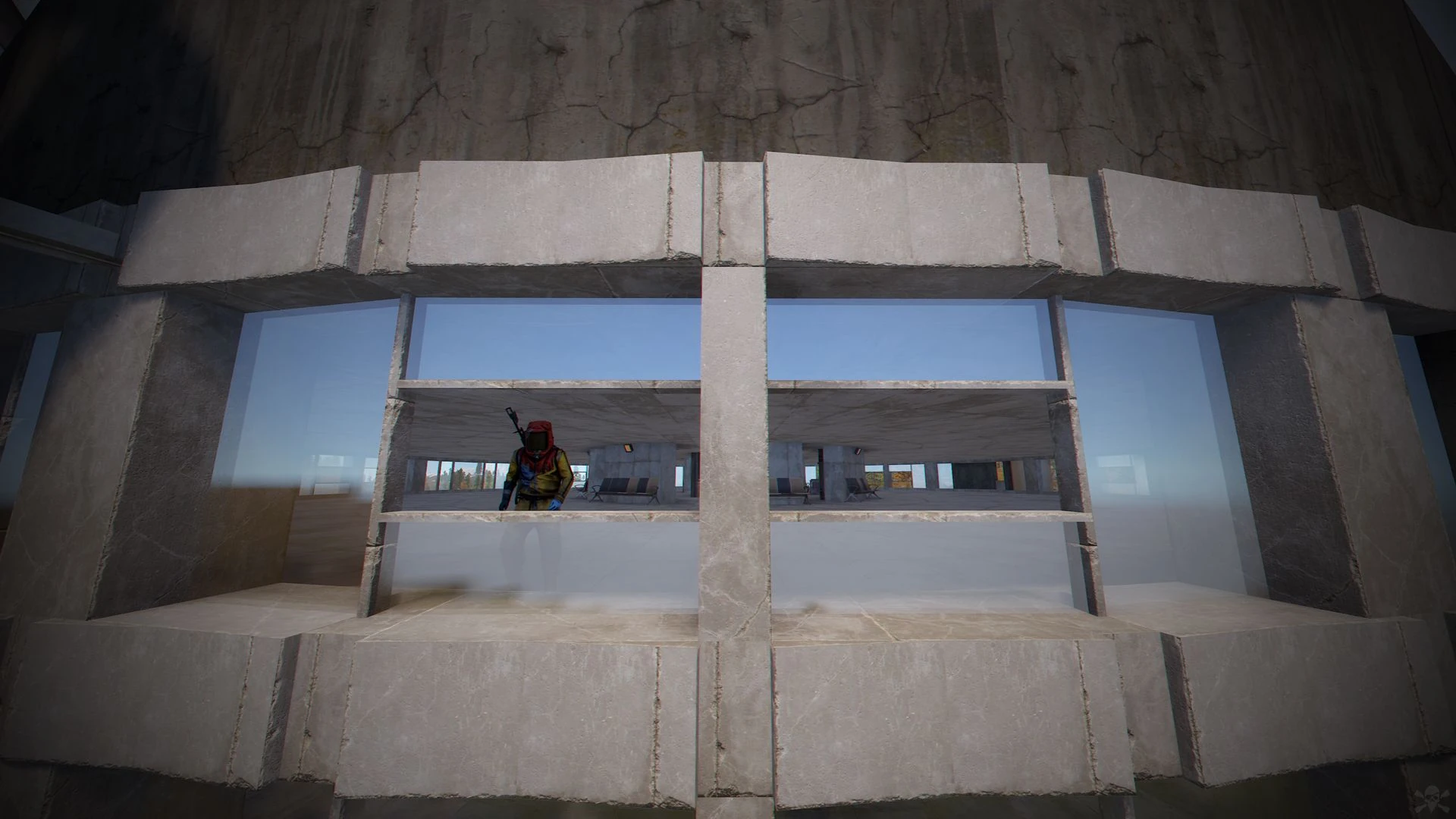
- Two defence floors: raised positions to shoot from when the helicopter attacks.
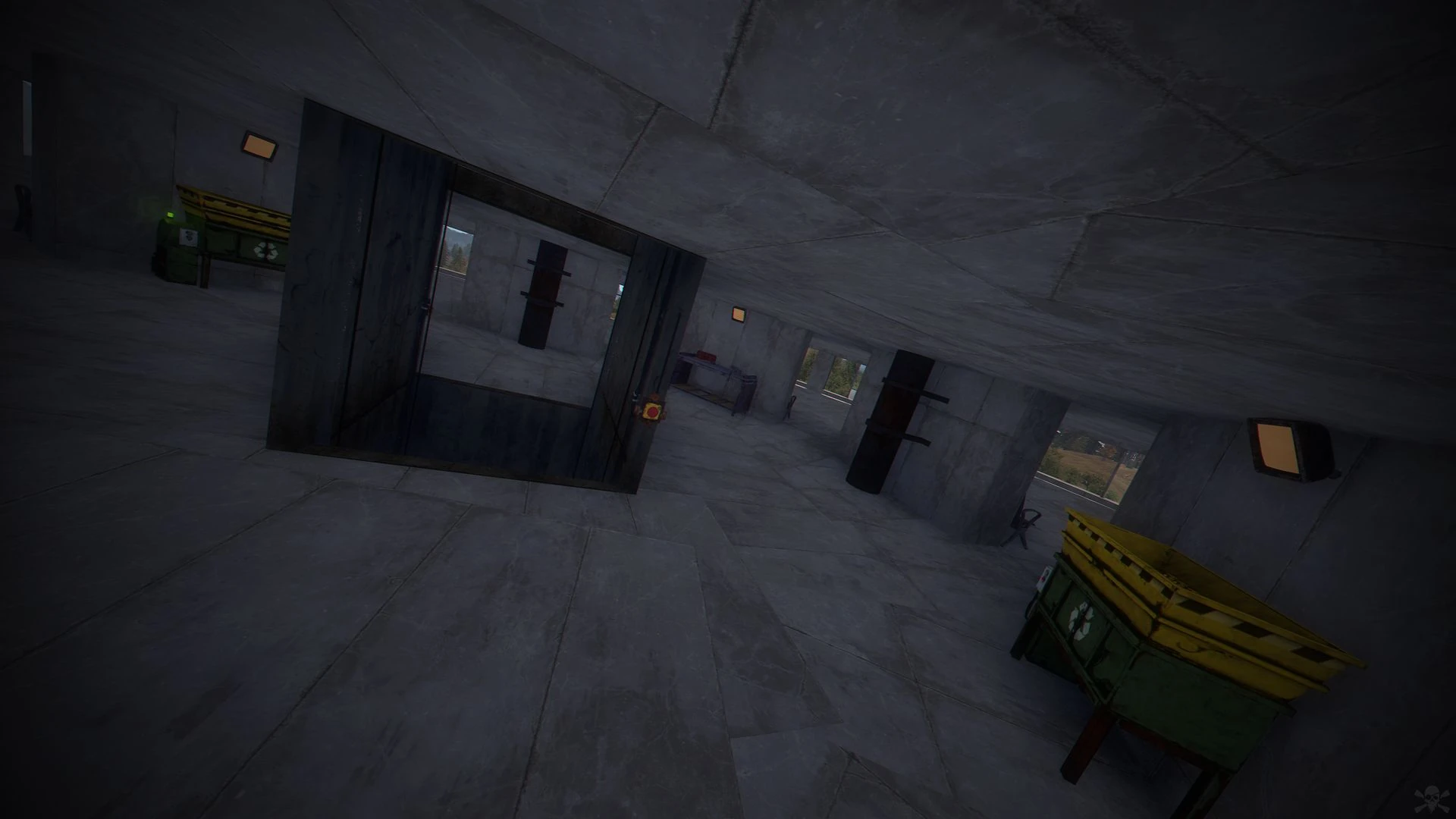
- Upper floor with shops: a level for trading at the top.
- Elevator: a quick way up and down between floors in the middle of a fight.
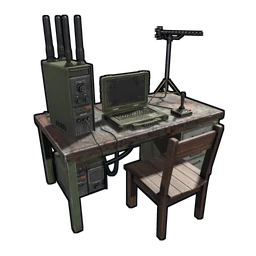
- Repair bench: fix damaged weapons and gear between attacks.
- Recyclers: turn what you pick up into useful components on the spot.
- Automatic lighting: the tower lights itself up for the night.
Built for patrol helicopter events
Heli Tower is designed for running patrol helicopter events on your server. Because it is public, nobody owns it and anyone can reach the defence floors. On a PvE server it becomes a rallying point where players team up against the helicopter; on a PvP server, holding the best position when it arrives is a prize in itself.
Size and map data
The tower occupies a placement span of 51.0 × 57.9 × 51.0 m, so it rises close to 58 metres on a compact square footprint of 51 by 51 metres. It is built from 1,985 prefabs of 49 different types and brings no terrain layers: it does not reshape the ground or change its textures, so it sits on whatever spot you choose. Leave open space around it so the helicopter has room to circle and players have clear lines of fire.
Installation
- Unzip the download.
- Copy the prefab files into RustEdit's CustomPrefabs folder.
- Open your map in RustEdit and find Heli Tower in the Prefab List.
- Place it, settle its base on the terrain and save the map.
Your download is available straight after checkout, and new versions appear in your account. If you need help, open a ticket through the contact page. For more on choosing the right spot for a structure like this, read What Makes a Good Rust Monument.



 Rust Base Designs That Actually Survive a RaidReadRust Base Designs That Actually Survive a RaidGuide · Sep 11, 2026